
Construction Documentation, All in One Place

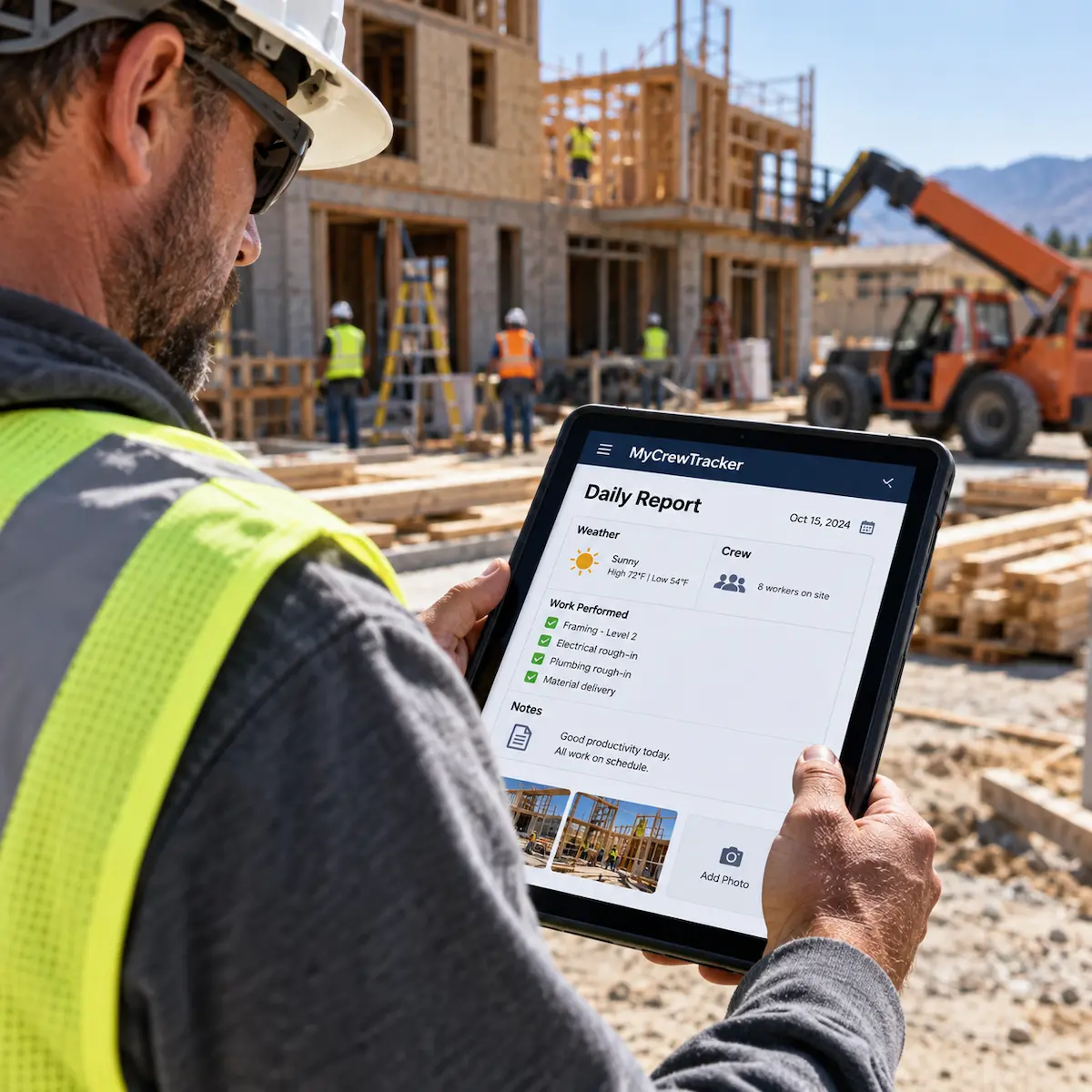
Daily Reports
Log daily progress, weather, crew size, and notes quickly from your phone.


Job Site Photos
Capture and organize site photos by project. Never lose track of progress shots.
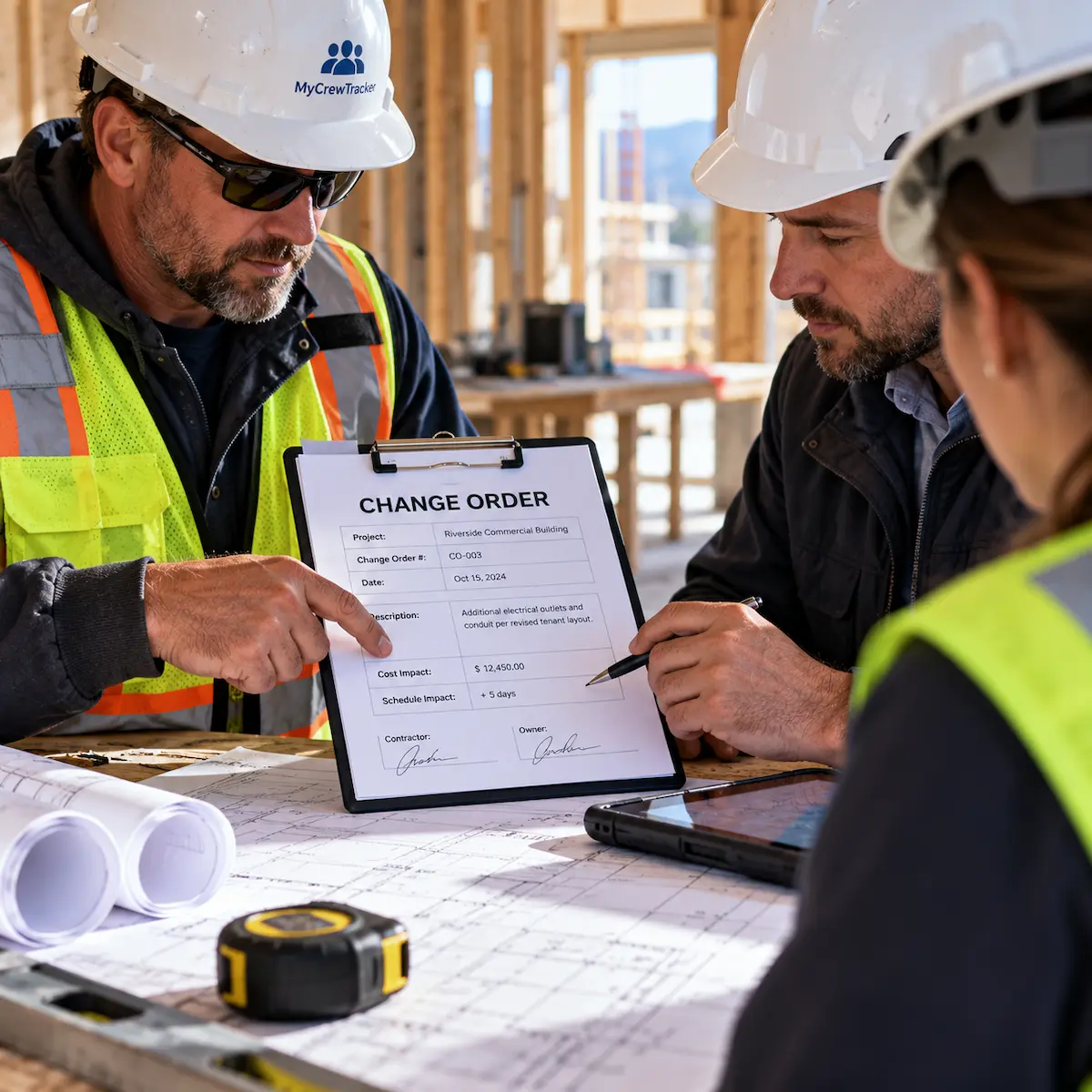
Change Orders
Document changes clearly and get client approvals fast to ensure you get paid.
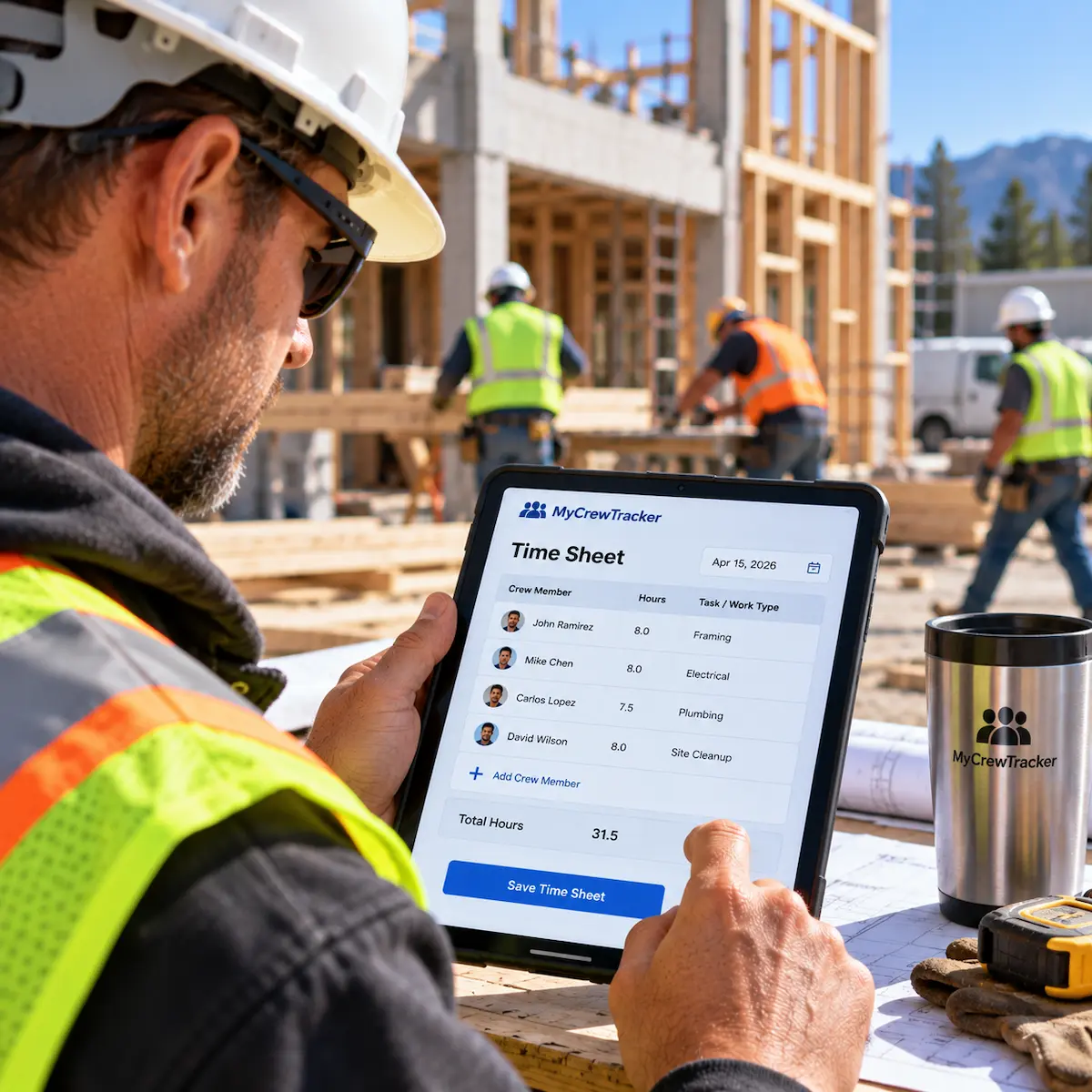
Time Sheets
Track your crew's hours easily and accurately to ensure payroll is correct.

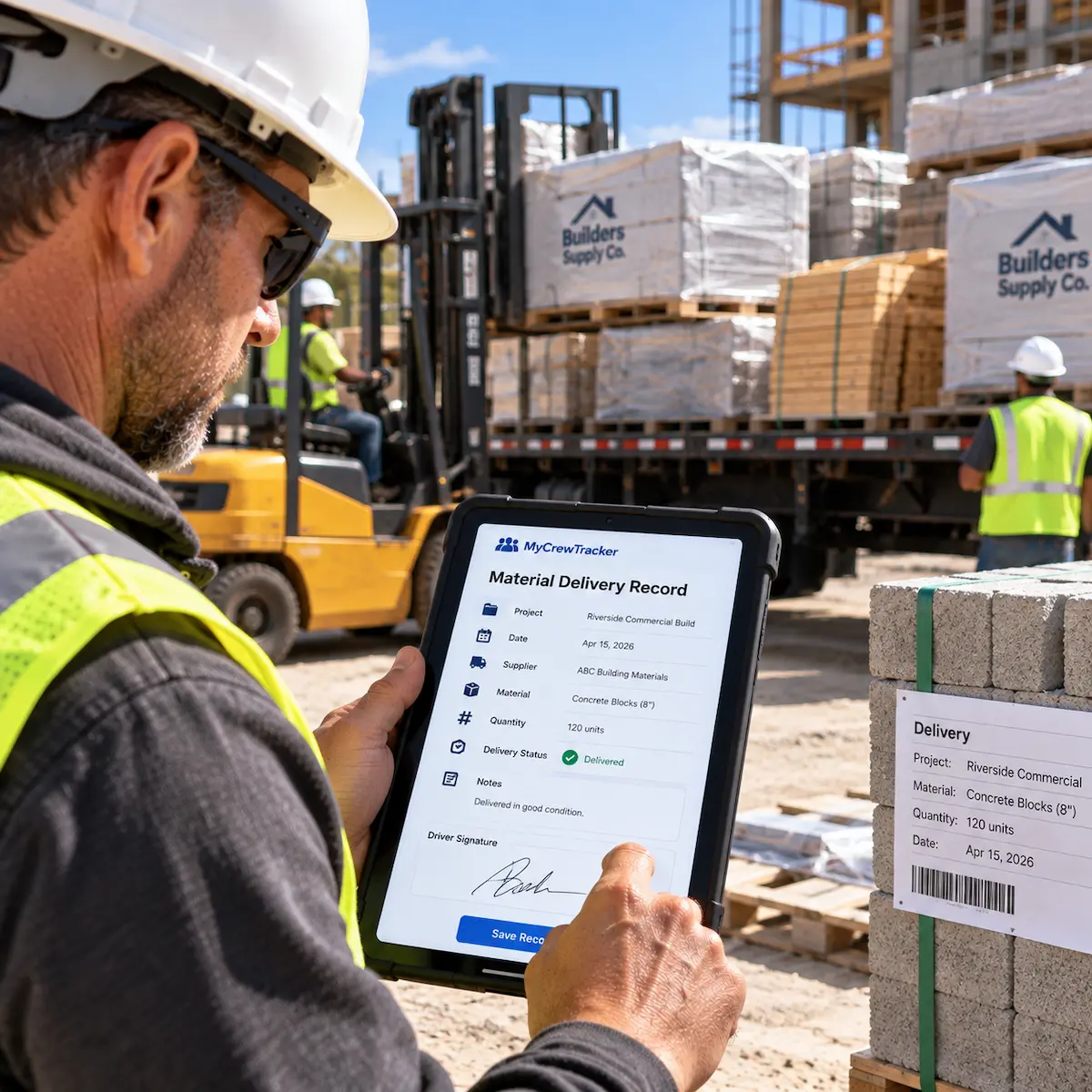
Material Delivery Records
Keep track of all materials delivered to the site with digital receipts.

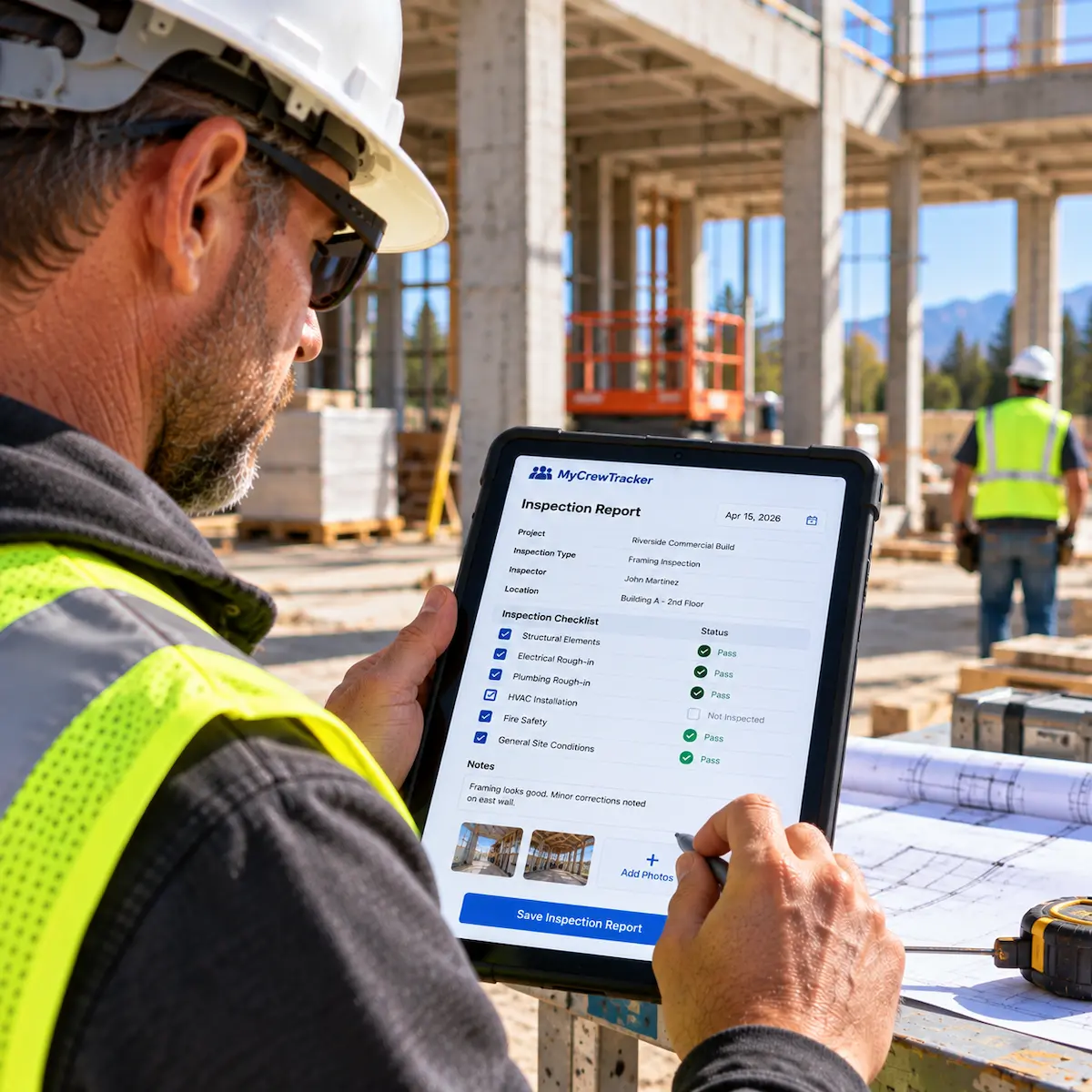
Inspection Reports
Document site inspections securely to ensure everything meets building standards.

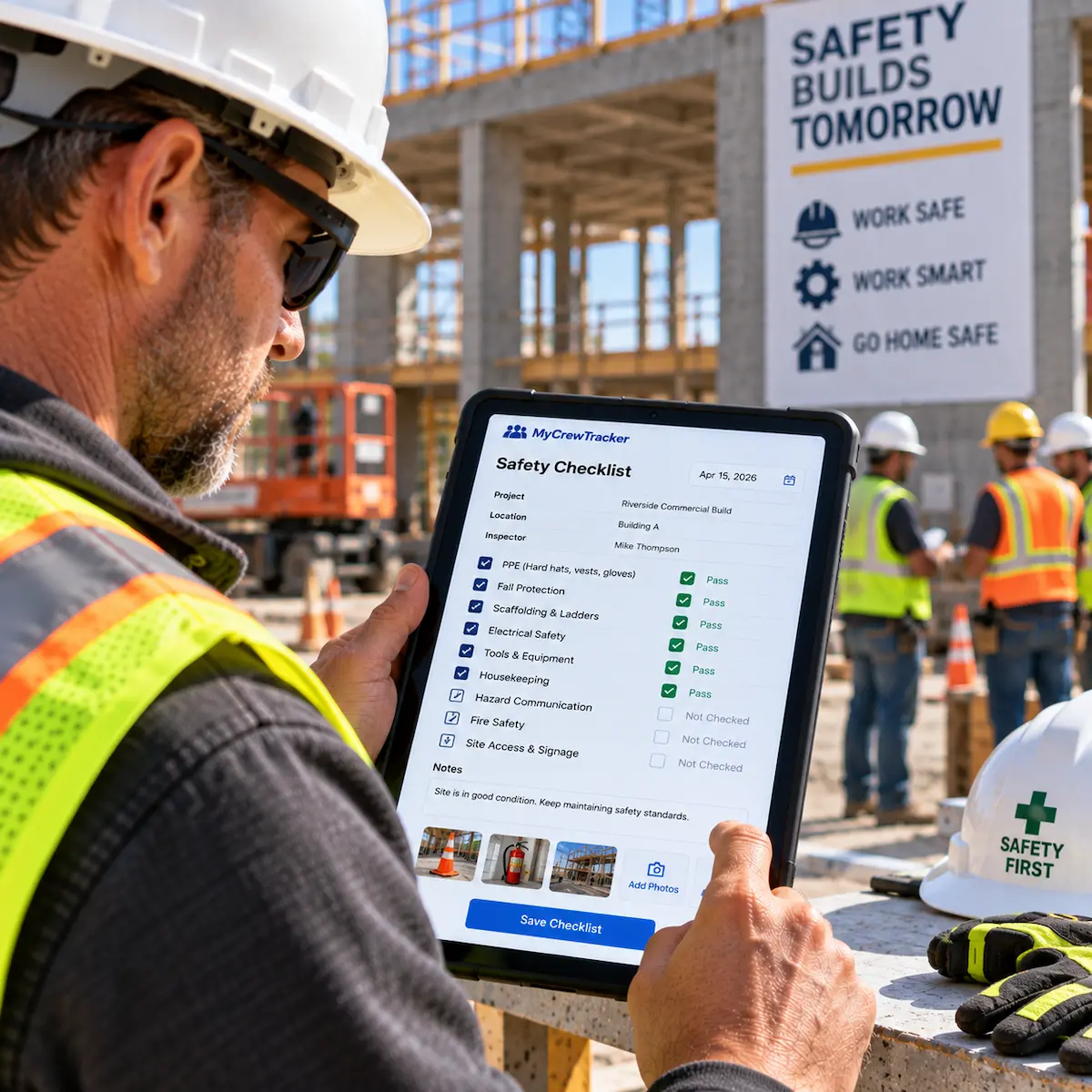
Safety Checklists
Maintain daily safety logs to protect your crew and stay compliant.

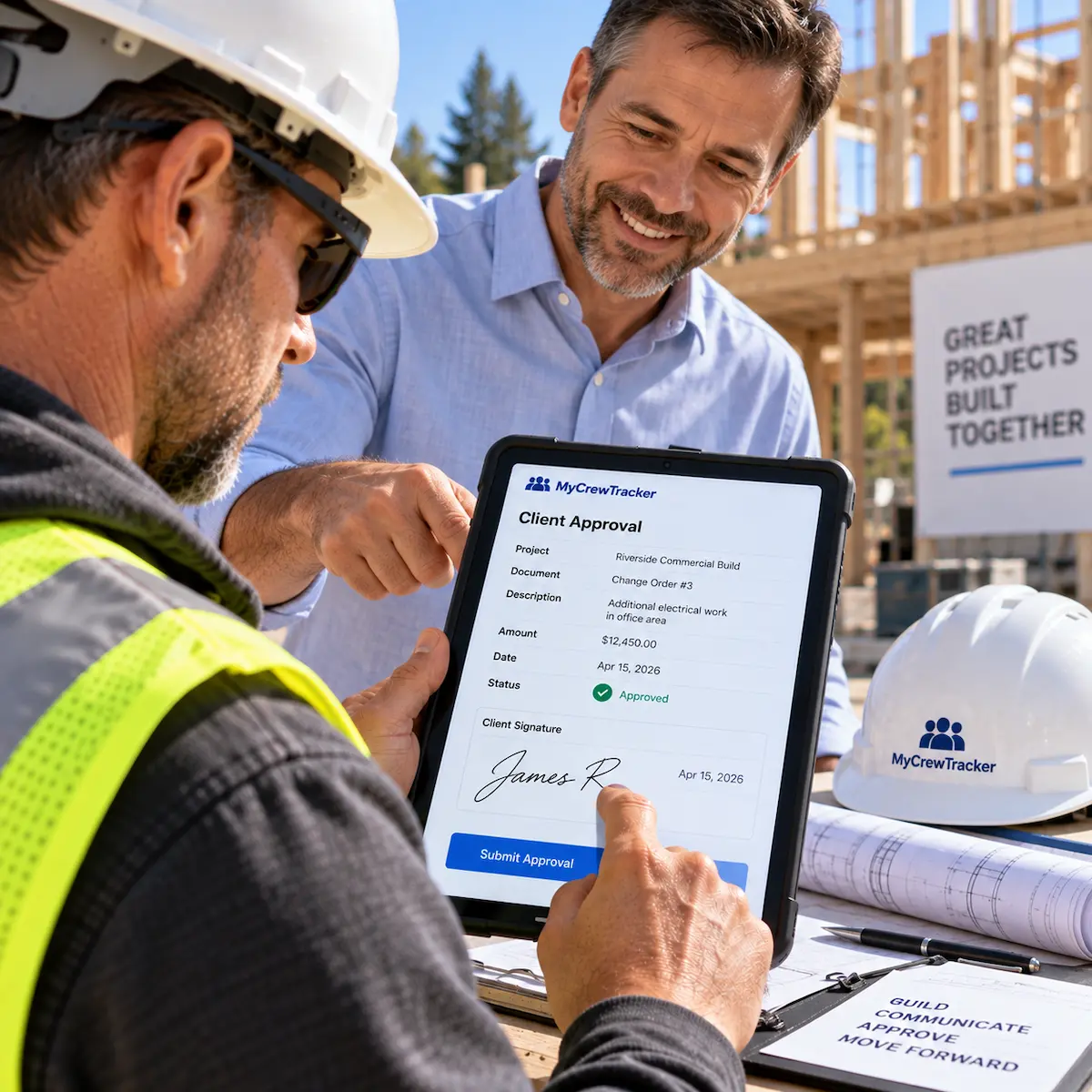
Client Approvals
Get instant digital sign-offs from clients on important milestones.

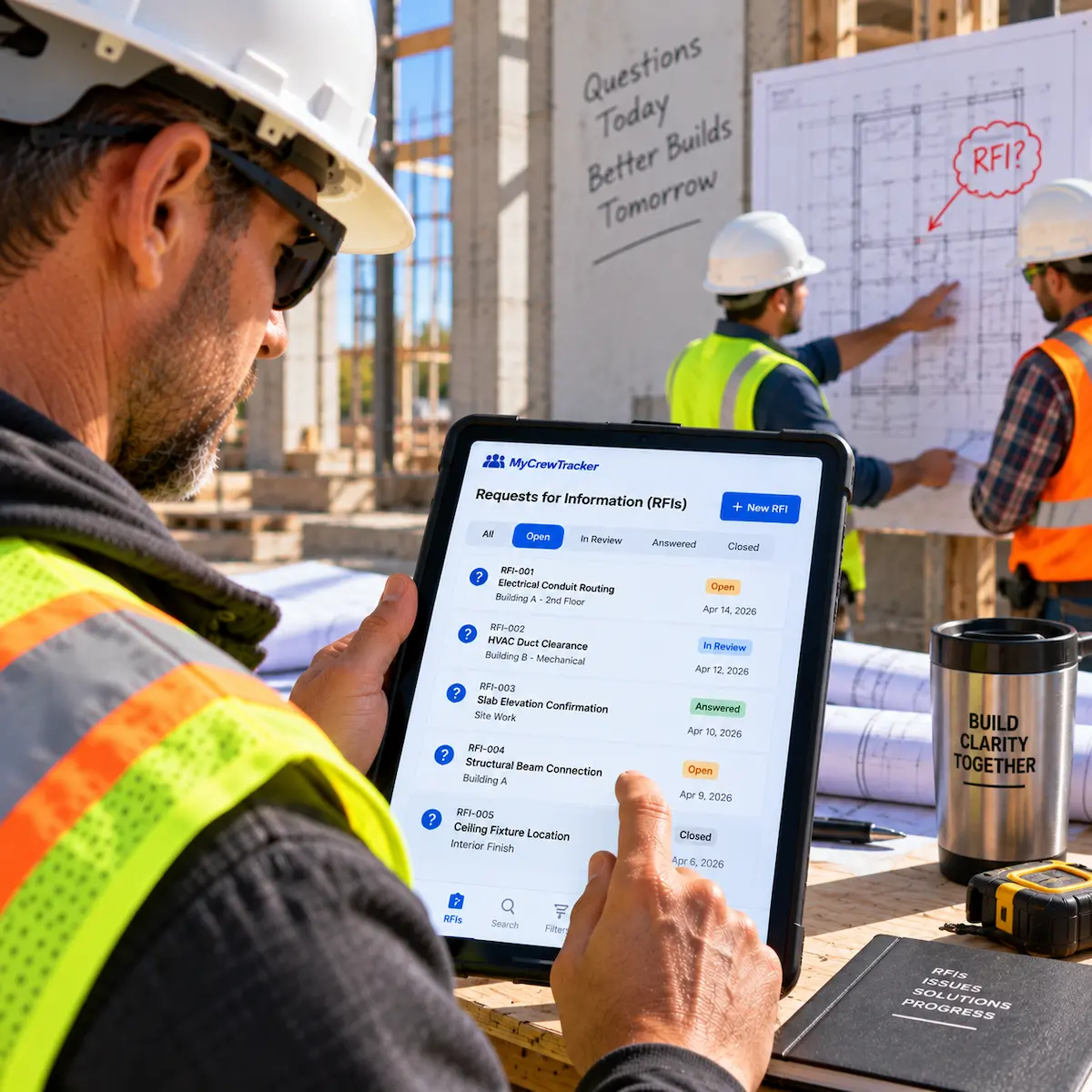
RFIs — Requests for Information
Submit and track RFIs to keep your project moving without delays.
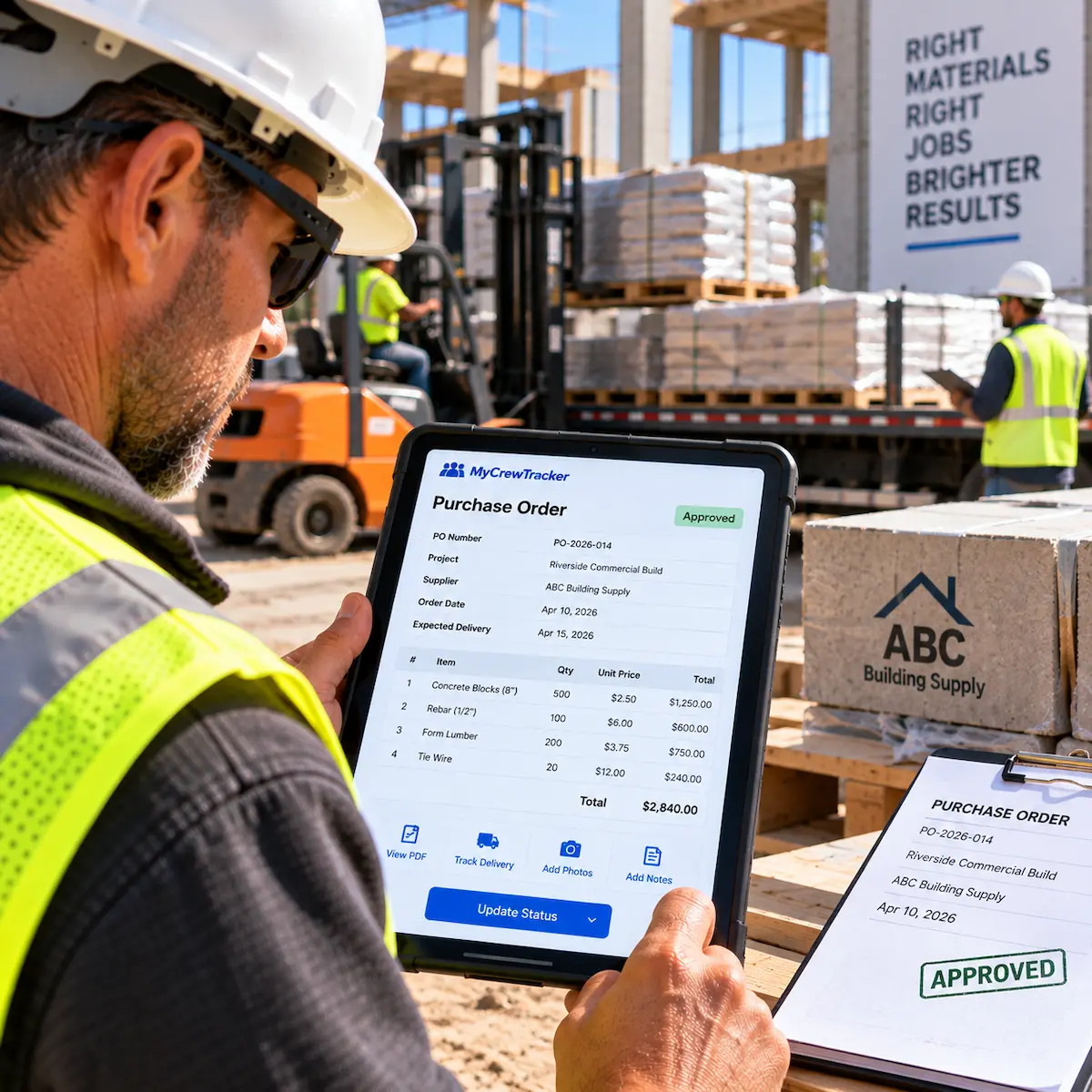
Purchase Orders
Create and manage POs to track material costs and supplier agreements.
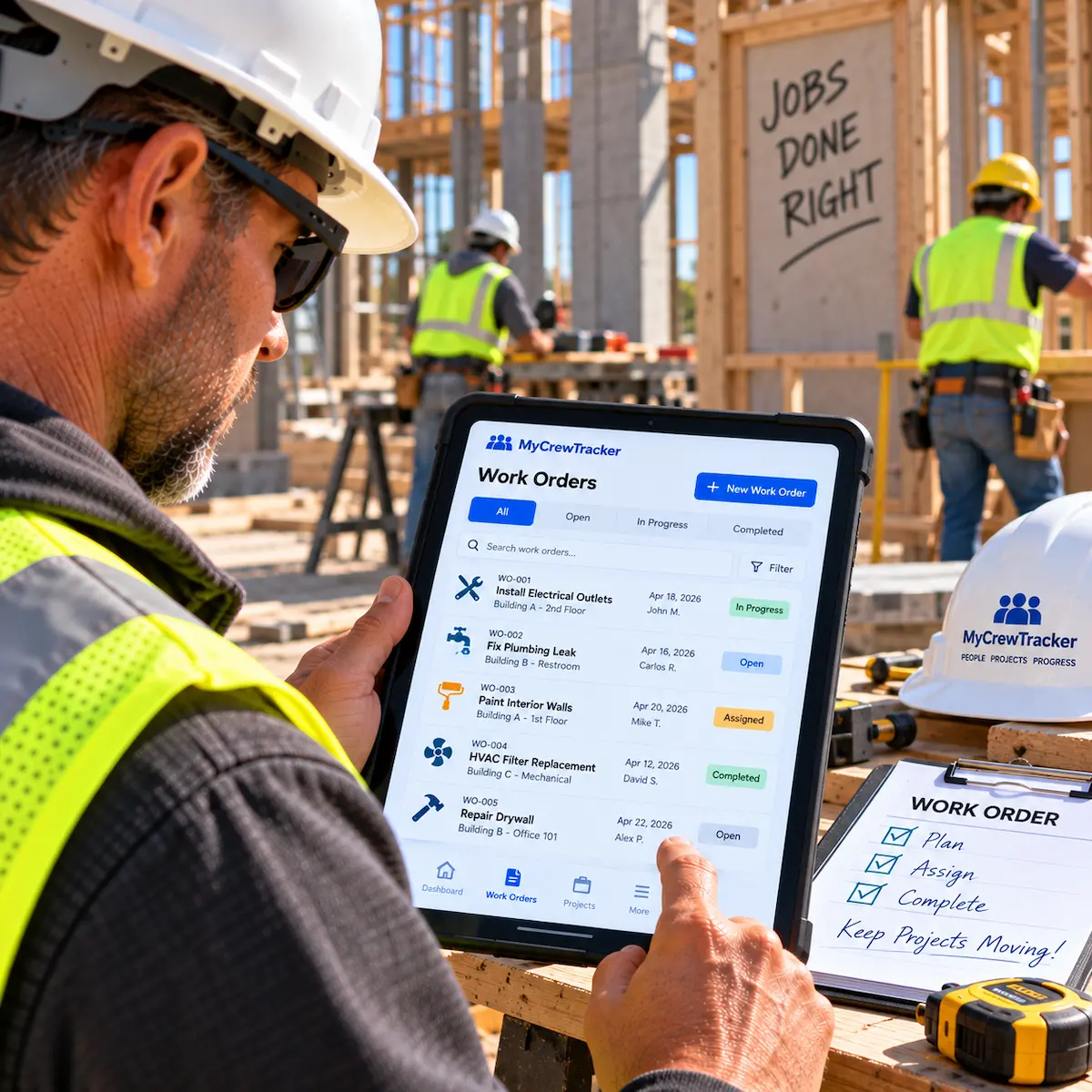
Work Orders
Assign specific tasks to your crew or subcontractors with clear instructions.
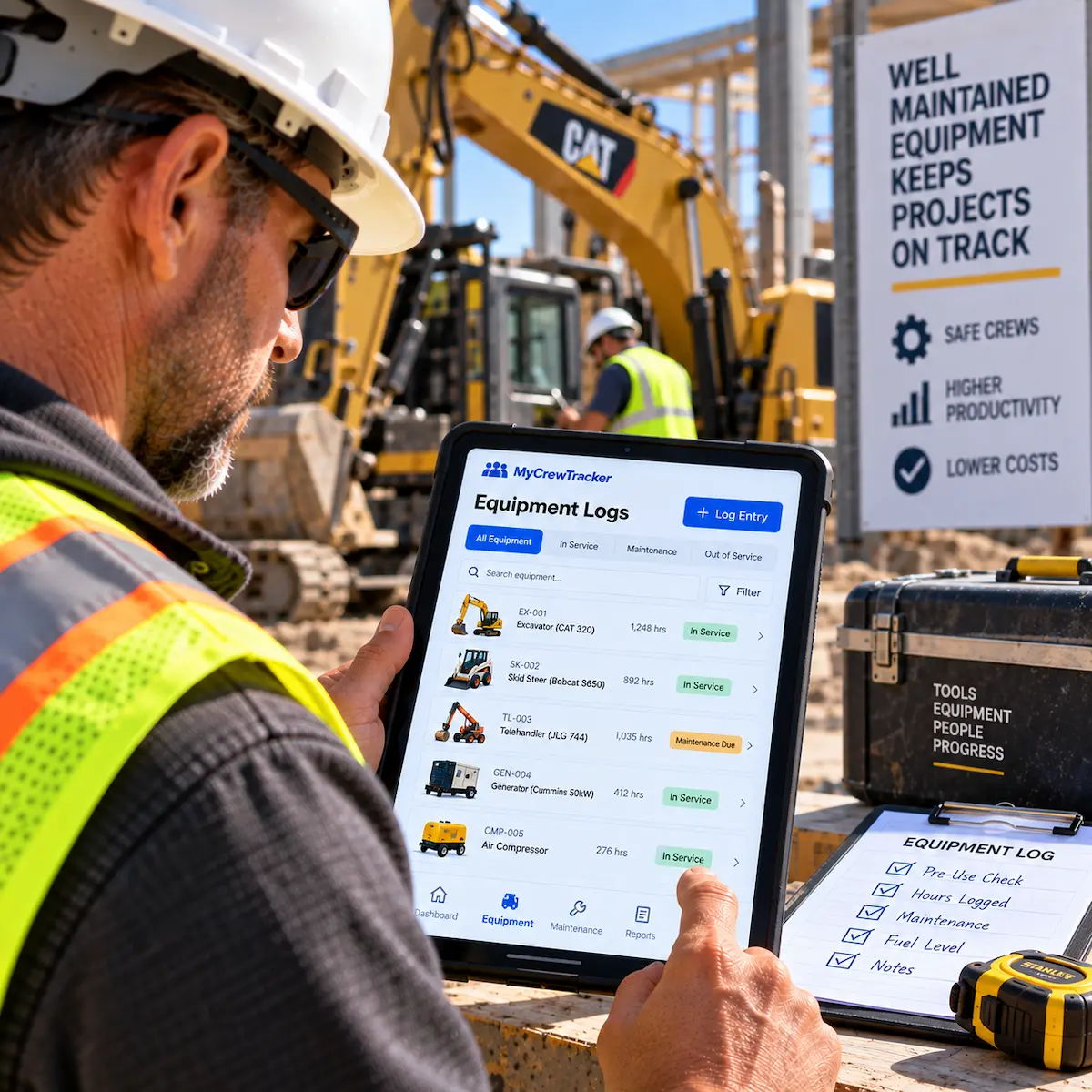
Equipment Logs
Track the location, usage, and maintenance schedule of your heavy machinery.

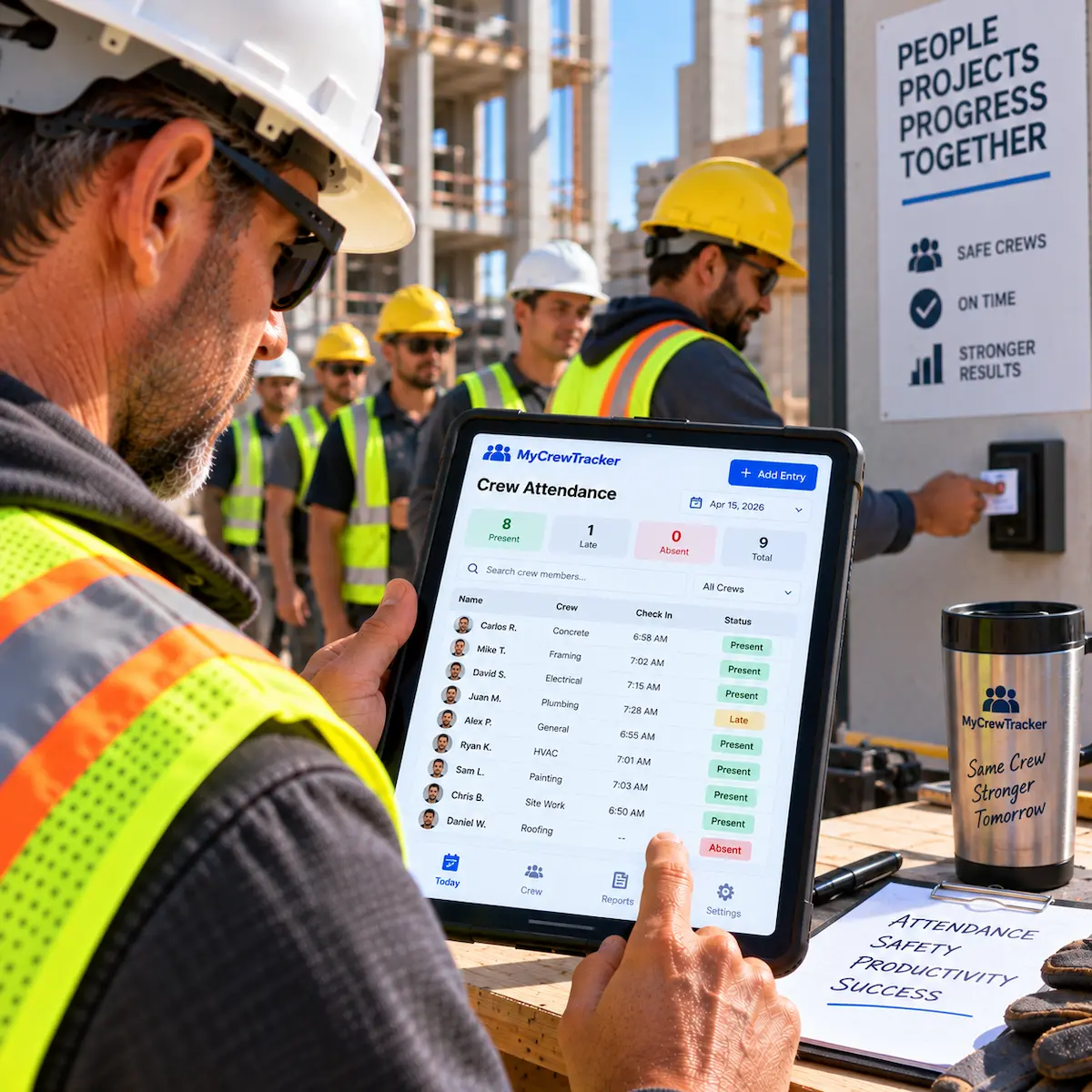
Crew Attendance
Monitor who is on-site each day for accurate labor tracking and safety.

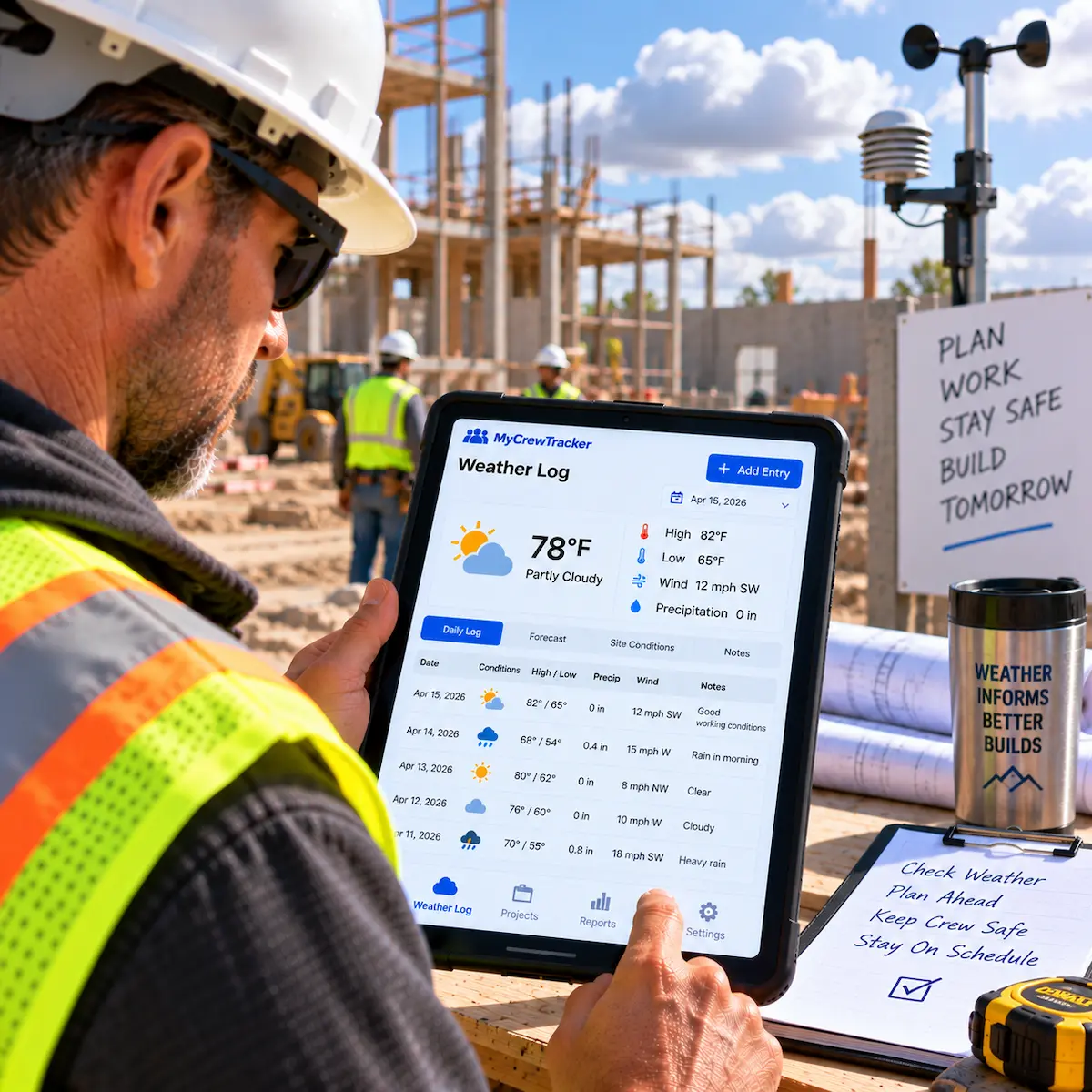
Weather Log
Automatically or manually log weather conditions that might impact project timelines.
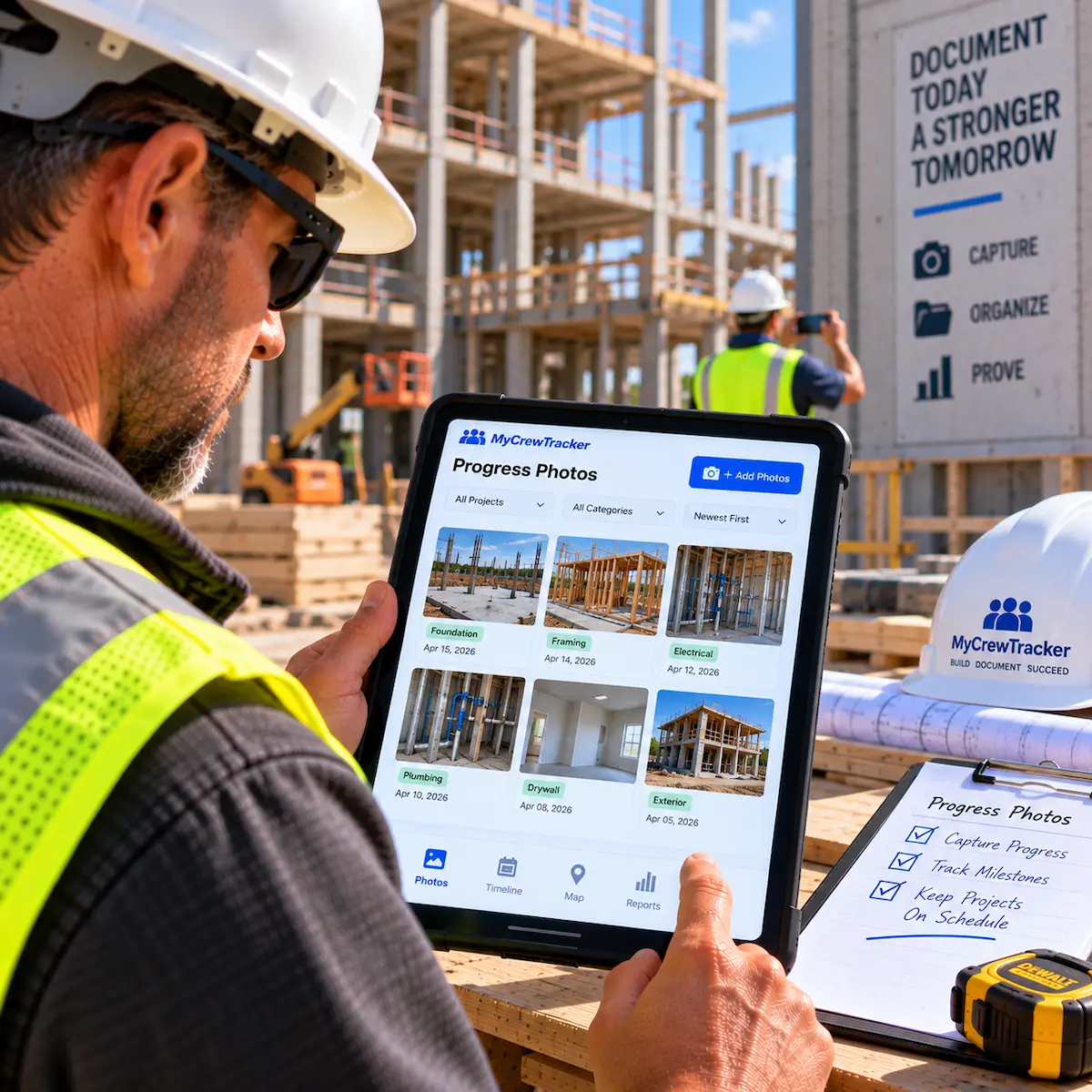
Progress Photos
Share chronological photo updates with clients to show project advancement.
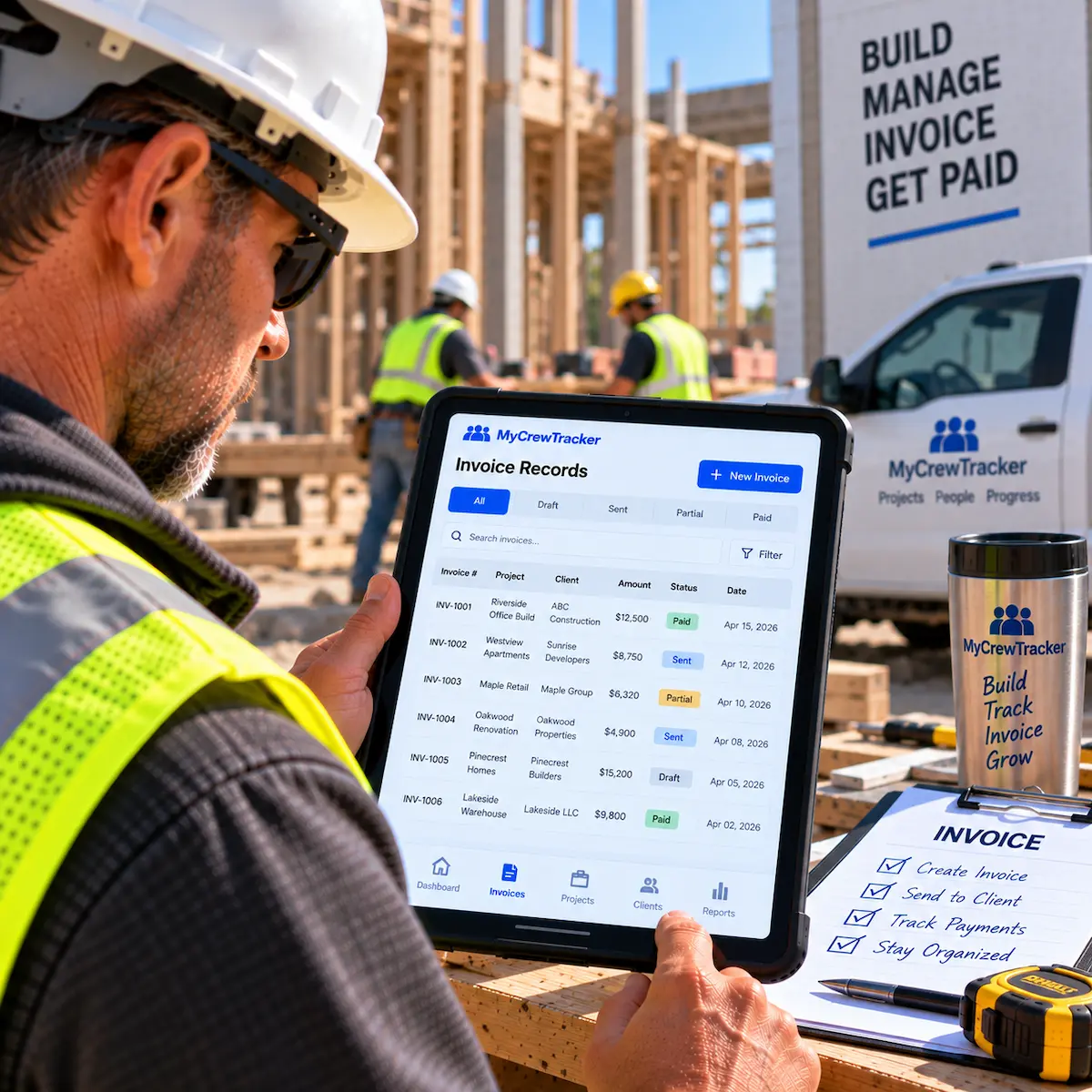
Invoice Records
Keep a complete history of all sent invoices and payment statuses.
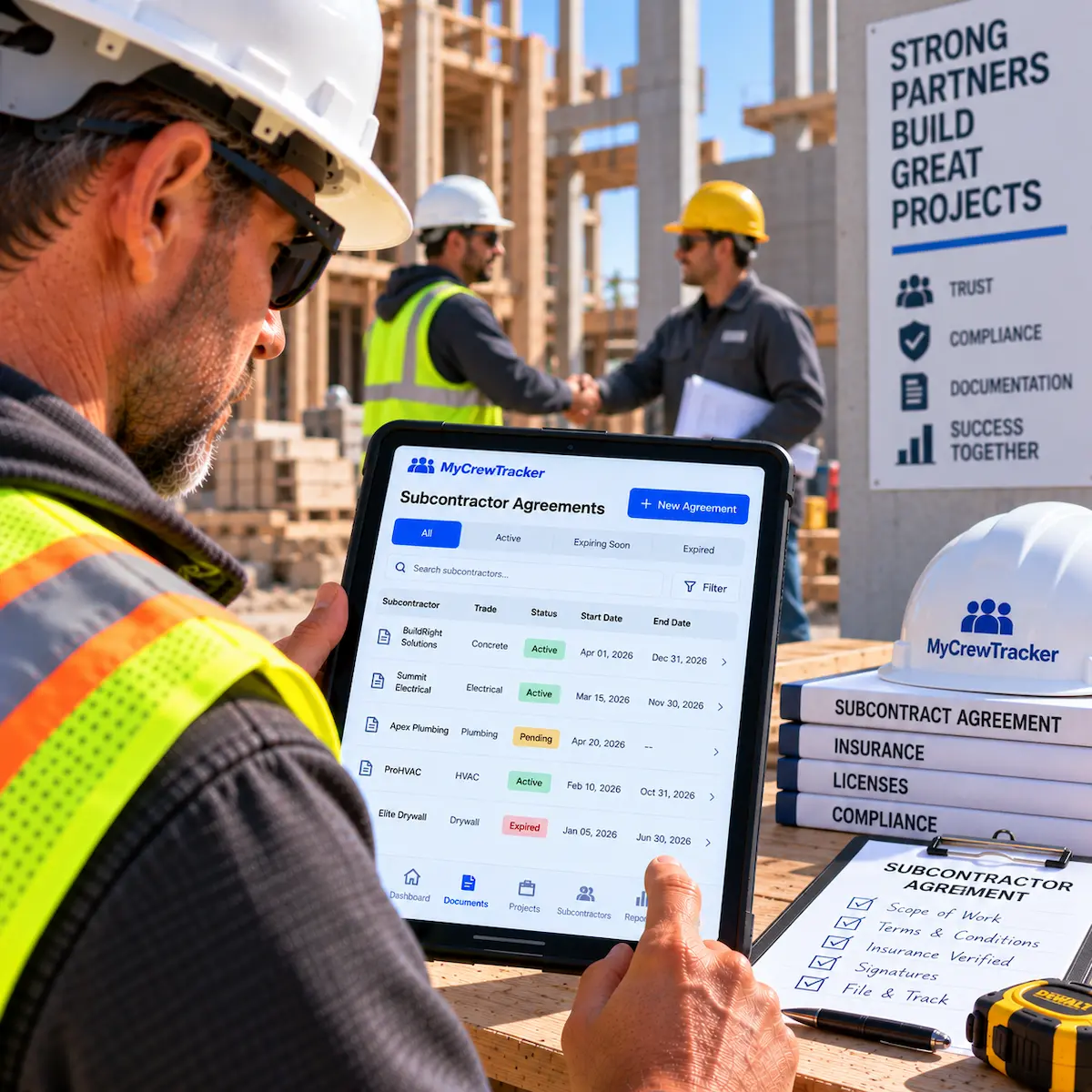
Subcontractor Agreements
Store and manage signed contracts with all your specialty trades.
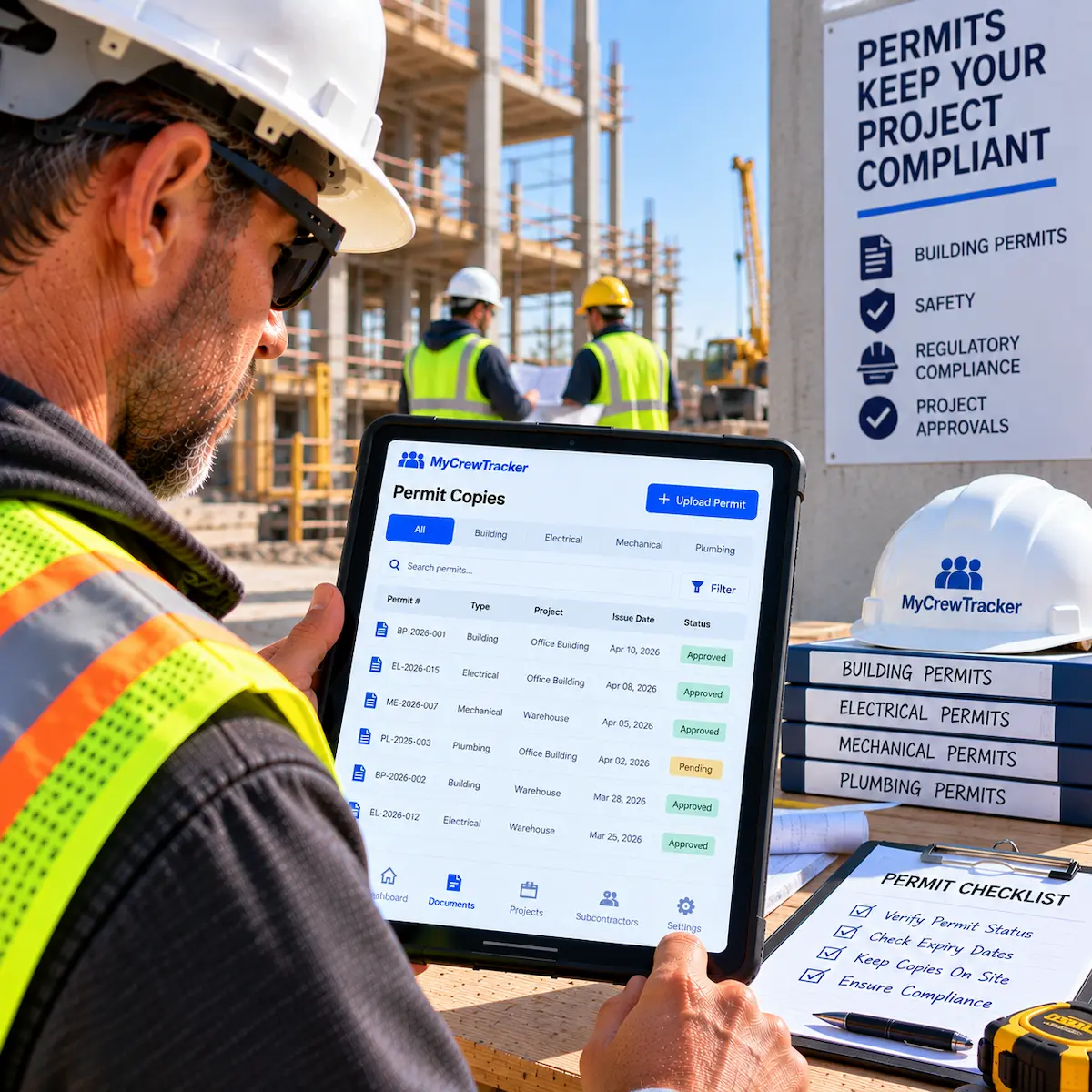
Permit Copies
Keep digital copies of all city and state permits accessible on the job site.
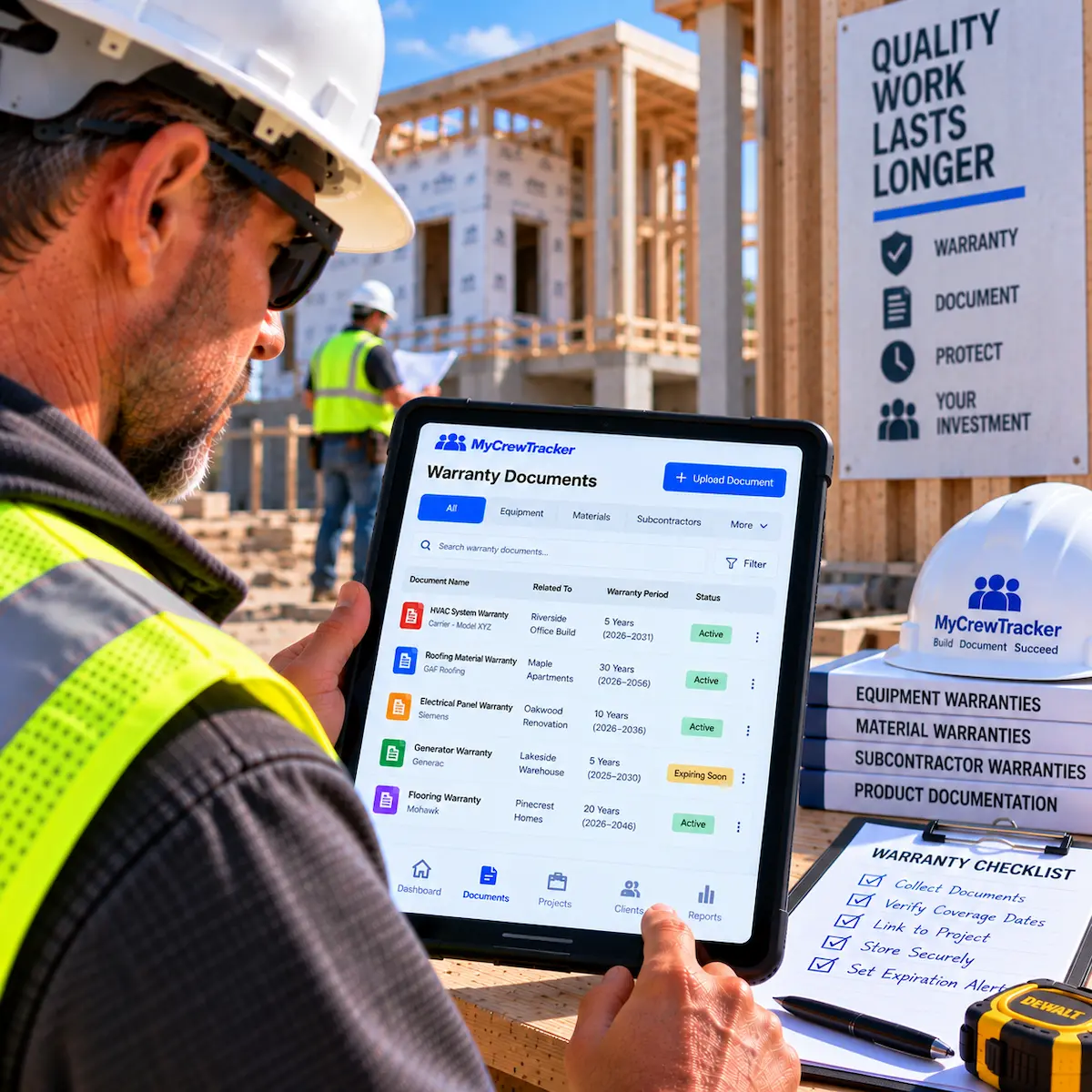
Warranty Documents
Organize manufacturer warranties and product manuals for the final handover.

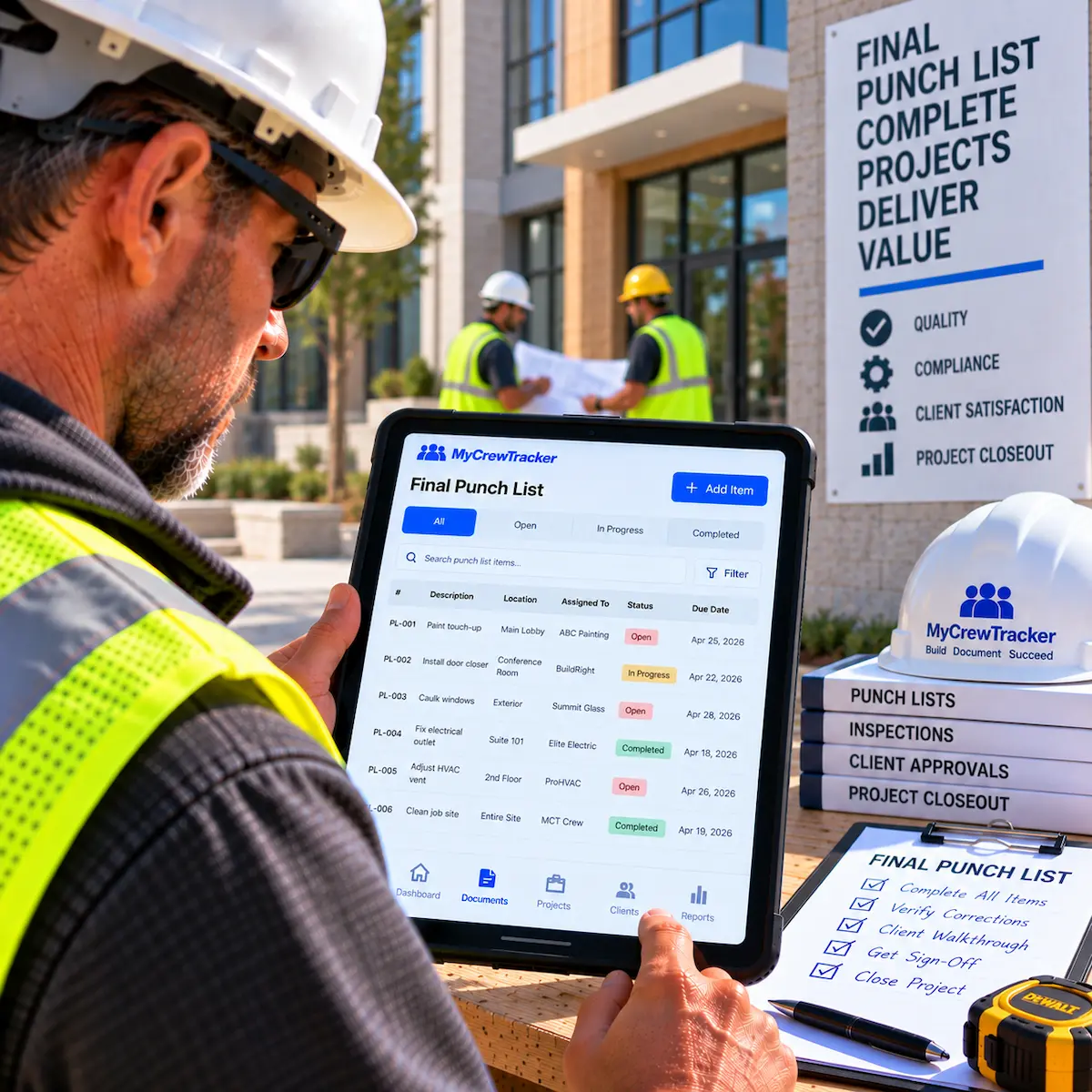
Final Punch List
Track and complete final touch-ups to close out the project successfully.
Ready to simplify your workflow?
Get started in less than 2 minutes. No credit card required.
Start Your 14-Day Free Trial