
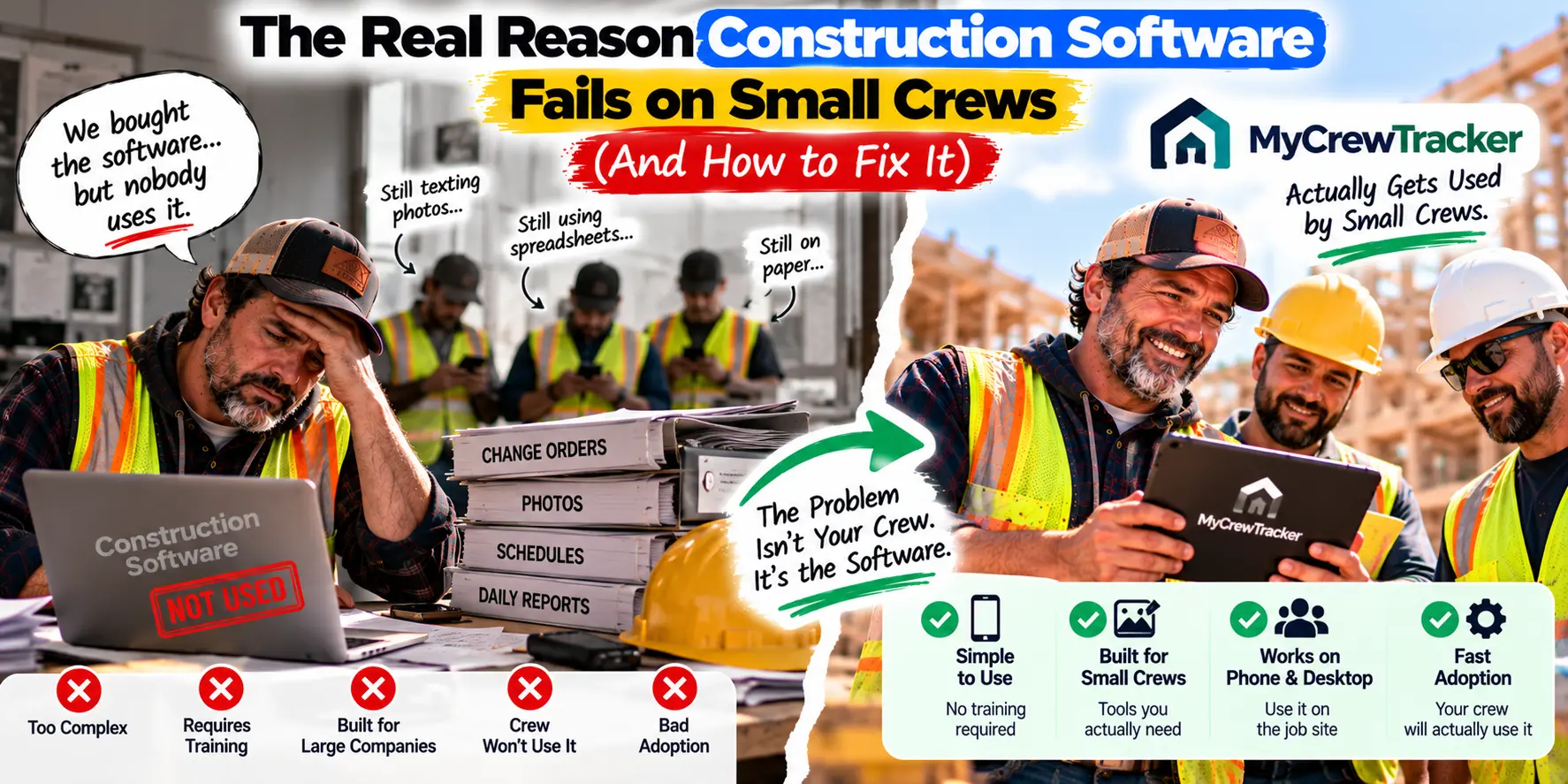
You bought the software. You sat through the demo. You wrote the check. You told your crew it was going to change everything.
Three months later, your foreman is still texting you photos of change orders. The schedule still lives in a spreadsheet. And the software you paid for? It's sitting on a shelf, collecting dust—or more accurately, it's a login nobody uses.
If that story sounds familiar, you're not alone. Roughly half of contractors say the single hardest part of construction technology is getting employees to actually use it . The software works. The problem is that nobody opens it.
This is the silent killer of software investments on small crews. Not bad software. Not bad pricing. Bad adoption.
And here's the part most vendors won't tell you: the failure isn't your crew's fault. It's the software's fault. And once you understand why, you can find a tool that actually gets used.
The Problem: The "Shelfware" Phenomenon
There's a term for software that gets bought but never used: shelfware. It's software that's licensed, launched, and often "adopted" on a dashboard—while the median person still uses the old path, a workaround, or nothing at all .
For construction, shelfware looks like this:
- You bought a project management platform. Your foreman still sends photos by text.
- You set up digital daily reports. Your crew still writes them on paper.
- You introduced a change order workflow. Your project manager still tracks changes in a spreadsheet.
The software is there. The investment is made. But the behavior hasn't changed. And because the behavior hasn't changed, none of the promised benefits—faster billing, fewer disputes, better visibility—ever materialize.
The numbers behind this are staggering. Only 24% of micro construction firms (2–9 employees) use any digital tool for site management . More than half still rely on email and Excel. And among contractors who do buy software, the adoption rate tells an even starker story. Buildertrend, one of the biggest names in residential construction software, has just 5% adoption among small-to-medium businesses .
The software was purchased. The software wasn't used.
The Root Cause: Why Complex Interfaces and Desktop-First Design Fail in the Field
Here's the uncomfortable truth: the software failed before your crew ever opened it.
The Evaluation Was Wrong
Most contractors evaluate software the same way: they watch a demo, they check the feature list, they compare pricing. They might even ask their project manager what they think.
What they don't do is put a foreman in the room with a veto .
The people who will actually use the software—the foremen, the crew leads, the field staff—are almost never part of the evaluation. The software gets chosen by the office. Then it gets rolled out to the field. And the field rejects it.
Why? Because the field wasn't asked what they needed. They were told what they were getting.
The Interface Doesn't Match the Work
Construction crews don't think in terms of "modules" and "entities." They think in terms of mobilizations, cranes, RFIs, safety walks .
When software is designed around abstract data structures instead of real construction tasks, it forces crews to translate their work into the software's language. That translation takes time. It creates friction. And friction is the enemy of adoption.
The Training Was Backwards
Most construction leaders throw money at tech training and wonder why adoption rates still suck. The pattern is predictable:
The company buys the latest software.
They run a one-day workshop.
Everyone nods and pretends to understand.
Six months later, crews are back to clipboards and spreadsheets .
The real problem? Training focuses on tools instead of solving actual problems. Many experienced workers worry they'll look incompetent. Seasoned workers fear that moving from whiteboards to digital systems will make their hard-earned expertise obsolete. Others simply feel overwhelmed, leading to disengagement .
The Design Is Desktop-First
Here's the most fundamental problem: most construction software was designed for a desktop computer.
But your crew doesn't work at a desk. They work on a job site. They have a phone in their pocket and maybe a tablet in the truck. If the software requires a laptop, it won't get used in the field. If it doesn't work offline when the signal drops, it won't get used. If the mobile app feels like an afterthought, it won't get used.
Research confirms this. 48% of contractors already use mobile apps for on-site work—and that number is only going up . Mobile-first isn't a nice-to-have. It's the baseline expectation for field crews.
The Solution: Mobile-First, Zero-Training, Works Like a Smartphone
The fix for adoption isn't better training. It's better software—software designed for the way crews actually work.
Here's what that looks like.
Mobile-First Design
The software should work on a phone first, not as a scaled-down version of a desktop app. Your foreman should be able to open the app, see the current drawing, and document a change without squinting or zooming or hunting for buttons.
If your foreman can send a text message, he can use mobile-first construction software. That's the standard.
Zero-Training Onboarding
The right software doesn't require training. It requires about five minutes.
Here's the test: Can your foreman figure it out on his own? If the answer is yes, it's built for small crews. If the answer is no, it's not.
The tools that get adopted are the ones that work like the apps your crew already uses. A search bar. A camera. A list of projects. No manual. No certification. No "training program."
AI That Answers Questions in Plain English
The most powerful adoption tool is an AI assistant that works like a text message.
Instead of teaching your crew where to find information—which menu, which folder, which tab—you give them a search bar and let them ask questions the way they'd ask a colleague.
"What's the fire rating on the corridor wall?"
"Which revision is current on the Henderson job?"
"What did the architect say about the window flashing?"
Ask a question. Get an answer with the source highlighted. No training required. No new interface to learn.
Flat, Simple Pricing
Per-user pricing creates an adoption barrier that nobody talks about. When every new user costs money, you limit access. When you limit access, you limit adoption.
Flat pricing—unlimited users for one monthly fee—removes that barrier. You can give the software to your foreman, your bookkeeper, and your subcontractors without watching your costs climb. And the more people who use it, the more valuable it becomes.
The Proof: A Checklist for Evaluating Software Based on "Adoption Potential"
Before you buy another piece of software that ends up on the shelf, run it through this checklist. These are the questions that predict whether your crew will actually use it.
| Question | Why It Matters |
|---|---|
| Can my foreman use it on his phone? | If it doesn't work in the field, it won't get used. |
| Does it work offline? | Job sites don't always have signal. The software needs to work anyway. |
| Can my foreman figure it out without training? | If it requires a manual, it's not built for small crews. |
| Does it have an AI assistant that answers plain-English questions? | The fastest way to adoption is to make information findable in seconds. |
| Is the pricing flat and unlimited? | Per-user fees limit access, which limits adoption. |
| Does it sync with my accounting software? | Manual data entry is a barrier that reduces adoption. |
| Is there a free trial? | Never commit without testing with your actual crew on a real project. |
| Can I invite my subcontractors without paying more? | Subs need access to drawings and change orders. If they can't get it, they won't use it. |
If a platform passes all eight, it has high adoption potential. If it fails three or more, it's a shelfware risk—no matter how powerful the features look in a demo.
Where MyCrewTracker Fits
MyCrewTracker was built specifically to solve the adoption problem on small crews. Every design decision starts with the field, not the office.
Mobile-first by design. MyCrewTracker works on phones and tablets. Your foreman can view drawings, document changes, and submit daily reports from the job site—not from a desk.
No training required. The Smart AI Assistant works like a text message. Ask a question in plain English, get an answer with the source highlighted. There's no manual. There's no training program. Your crew figures it out in an afternoon.
Flat pricing with unlimited users. At $40/month flat (billed annually), MyCrewTracker includes unlimited projects, unlimited documents, and unlimited users. You can give it to your whole crew, your bookkeeper, and your subcontractors without your costs climbing. The more people who use it, the more valuable it becomes.
14-day full-feature free trial. No credit card required. Load a real project. Invite your foreman. See if he uses it. If he doesn't, you've lost nothing.
Complete feature set. Estimating, invoicing, job costing, change order management, daily reports, punch lists, submittals, RFIs, crew time sheets, QuickBooks integration—everything a small contractor needs, in one platform.
The Bottom Line
Construction software doesn't fail because the technology is bad. It fails because the software wasn't built for the people who have to use it.
The fix isn't better training. It's better software—software that works on a phone, requires no training, and answers questions in plain English.
If you've been burned by software before, you have every right to be skeptical. But the tools available in 2026 are different. They're built for small crews. They're designed for the field. And they're priced for real budgets.
Start your 14-day free trial of MyCrewTracker. Load one real project. Hand your foreman the phone. See if he uses it.
That's the only test that matters.
Ready to find software your crew will actually use? Start your 14-day free trial of MyCrewTracker and load a real project this week. No credit card required.
