
You know the feeling. The project is 99% done. The client is moving their furniture in. The heavy lifting is completely finished.
But your final 10% retainage check—the check that contains all of your actual profit for the job—is being held hostage over a scratched cabinet door, a missing outlet cover, and a smudge of drywall mud on the baseboards.
Worse, the subcontractors who made the mistakes are already completely mobilized on their next job across town. They aren't answering your calls for a $50 fix. So, you end up sending your own expensive lead carpenter to spend three hours driving across town to screw on a 50-cent faceplate just so you can finally get paid.
The "99% Complete" Trap
The end of a construction project is where profit margins go to die.
If you wait until the client does their final walkthrough to create your punch list, you have already lost. You are now playing defense. The client is finding mistakes, you look disorganized, and the subcontractors have lost all urgency because they assume the job is done.
To protect your margin and get your retainage released faster, you need a proactive Standard Operating Procedure (SOP) that shifts the punch list from the end of the job to the middle of the job.
The Zero-Defect Punch List SOP
Make this the mandatory closeout standard for every project manager and superintendent on your team.
Step 1: The "80% Rolling Punch"
Do not wait for substantial completion.
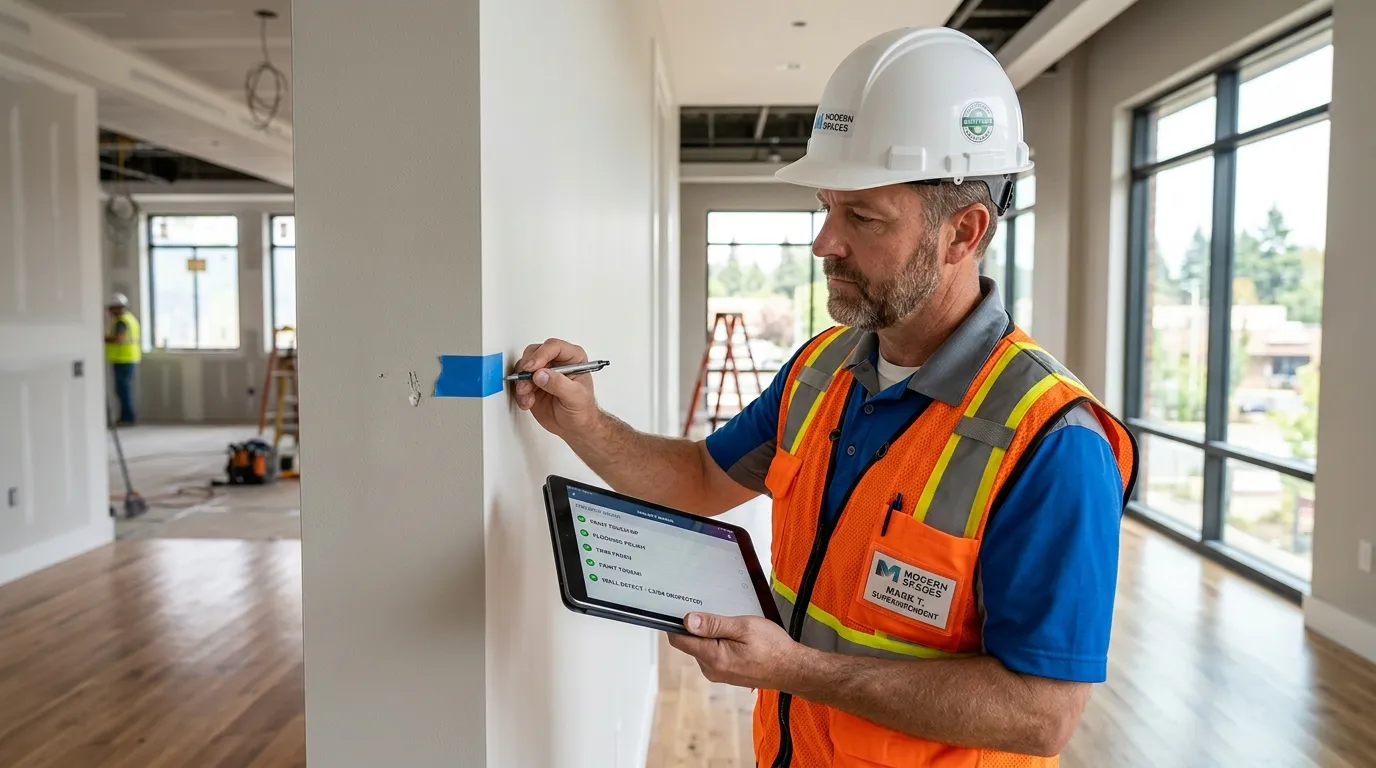
Step 2: Blue Tape & Photo Evidence
Texting a sub saying "The paint in the master bath is messed up" is a recipe for an argument.
Step 3: The 48-Hour Subcontractor Clause
You cannot let punch list items linger indefinitely.
Step 4: The Digital Client Sign-Off
When the items are complete, you do the final client walkthrough.
The Old Way vs. The MyCrewTracker Way
The Old Way (The Clipboard):
Your superintendent walks the site with a legal pad, writing down 40 different issues. He goes back to the truck and spends two hours trying to decipher his own handwriting, typing out emails to six different subcontractors, and trying to explain exactly which wall has the scratch. The subs claim they never got the email.
The MyCrewTracker Way:
Your superintendent walks the site with his phone. He sees a scratch, takes a photo, assigns it to "Elite Painters," tags it "Master Bedroom," and hits save. The painter instantly gets a notification on his phone with the exact photo and location. When the painter fixes it, he replies with a photo of the finished work. The superintendent hits "Approved." Total time: 15 seconds per item.
Get the Template
If you are still managing your closeout process via text messages and legal pads, you are actively delaying your own paychecks.
Download our free, professional Construction Punch List Template. It's structured to assign specific accountability to your subcontractors and give your clients confidence that you are managing the finish line like a professional.
