
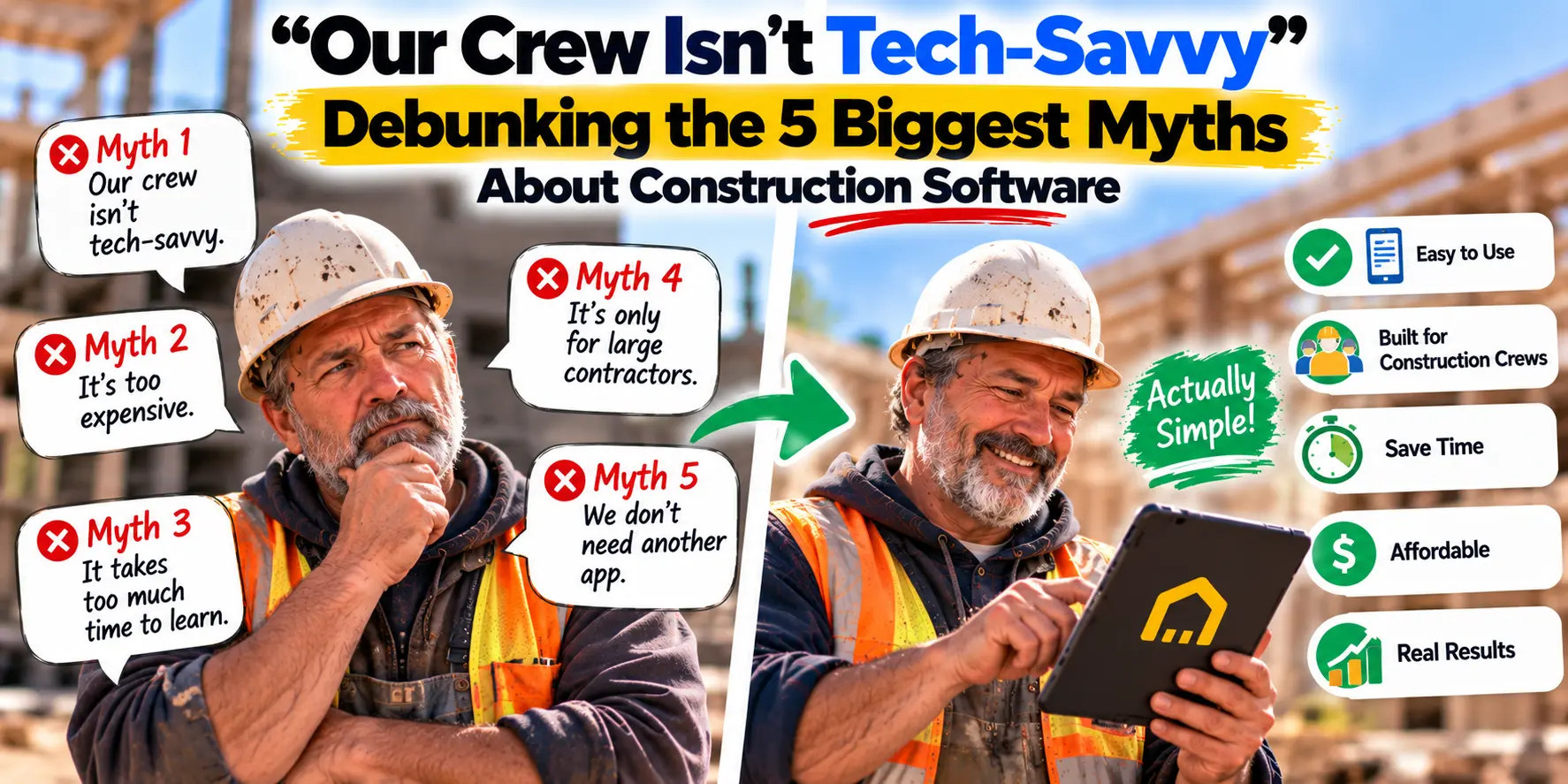
If I had a dollar for every contractor who told me "our crew isn't tech-savvy," I could fund a new truck.
It's the number one objection I hear when contractors consider moving off paper, spreadsheets, and text messages. And I understand why. The construction industry has been burned before—by software that promised simplicity and delivered complexity, by platforms that required weeks of training and dedicated administrators, by tools built for large enterprises that made a five-person crew feel like they were running a Fortune 500 company.
But here's what's changed: the software available in 2026 isn't the software you tried five years ago. It's simpler, cheaper, and built specifically for small crews who don't have time for a learning curve.
Let's debunk the five biggest myths about construction software—and show you exactly what's different now.
Myth #1: "Our Crew Isn't Tech-Savvy"
The objection: "My foreman is 55 years old. He's been in the trades for thirty years. He doesn't want to learn a new app. And honestly, he doesn't need to."
Why it's understandable: For decades, construction software was designed for office administrators, not field crews. The interfaces were dense. The workflows were complicated. The mobile apps felt like afterthoughts. If your job is to build things, spending hours learning software feels like a distraction from actual work.
The reality: Your crew doesn't need to be tech-savvy. They need software that works like a smartphone app—because that's exactly what it is.
Modern construction software is built mobile-first. If your foreman can send a text message, take a photo, or check the weather, he can use the tools available today. There's no manual. There's no training program. There's a login screen, a project list, and a search bar.
Here's a real example. The Smart AI Assistant in MyCrewTracker doesn't require your crew to learn a new interface or memorize where things are. They type a question in plain English—just like they'd text a colleague—and get an answer in seconds.
"What's the tile spec for the master bath?"
"Which revision is current on the Henderson job?"
"What did the architect say about the window flashing?"
That's it. No menus. No dropdowns. No training. Just a question and an answer.
The truth: Your crew is already tech-savvy. They use smartphones every day. The only question is whether the software you give them works the way they already do.
Myth #2: "It's Too Expensive"
The objection: "I looked into software once. It was $500 a month. I can't justify that for a crew of five."
Why it's understandable: For years, construction software was priced for enterprise contractors. The big platforms charge based on annual construction volume—meaning the more work you do, the more you pay. For a small contractor, that model is punishing.
The reality: The pricing model has changed. In 2026, there are genuinely capable construction platforms available for under $50 per month—flat, not per user.
MyCrewTracker costs $40/month flat. That includes unlimited projects, unlimited documents, and unlimited users. Your whole crew. Your bookkeeper. Your subcontractors. Everyone can access the platform for one predictable monthly fee.
Compare that to the old model:
| Old Model | MyCrewTracker |
|---|---|
| $500+/month | $40/month |
| Per-user fees | Unlimited users |
| Volume-based pricing | Flat pricing |
| Implementation fees | $0 |
| Training costs | $0 |
The truth: You can't afford not to use software. The average contractor spends 6 to 8 hours per week on administrative tasks that software could handle. At $85/hour, that's $500 to $680 per week in lost productive time—or roughly $26,000 to $34,000 per year. A $40/month platform pays for itself in the first hour of recovered time.
Myth #3: "It Takes Too Long to Learn"
The objection: "I don't have time to take a week off to learn software. My crew doesn't either."
Why it's understandable: Enterprise construction platforms require weeks of training. They have dedicated administrators. They come with implementation fees, onboarding programs, and certification courses. For a small crew, that's not just expensive—it's disruptive.
The reality: The software built for small crews doesn't require training. It requires about an afternoon.
Here's what onboarding looks like with MyCrewTracker:
Day 1: Create your account. Load one project. Add your crew. That's it. You're now using the platform.
Day 2: Your foreman opens the app on his phone. He sees the project. He taps the AI assistant and asks a question. He gets an answer. He uses it again at lunch.
Day 3: Your project manager creates a change order. Your bookkeeper sees it sync to QuickBooks. Nobody had to read a manual.
The goal isn't to learn software. The goal is to find information faster, document work more easily, and get paid sooner. MyCrewTracker is designed so that the software disappears—you just do your work, and the documentation happens automatically.
The truth: The right software doesn't require training. It requires five minutes of setup and a crew that knows how to use a phone.
Myth #4: "It's Built for Big Companies, Not Small Crews"
The objection: "All this software is designed for general contractors with 100 employees. It doesn't fit how a five-person crew actually works."
Why it's understandable: Most construction software was built for large enterprises. It has features for managing dozens of subcontractors, complex financial reporting, and multi-tier approval workflows. For a small crew, 90% of those features are irrelevant.
The reality: There's a new generation of software built specifically for small contractors—and it's better because of it.
Software built for small crews focuses on the features that actually matter:
Drawing management so everyone works from the current revision
AI-powered search so you find information in seconds
Change order tracking so you get paid for the work you do
Daily reports so you have a record of every day on site
Photo organization so you can prove what was done
QuickBooks integration so billing happens automatically
MyCrewTracker was built from the ground up for small crews. It doesn't have enterprise bloat. It doesn't have features you'll never use. It has exactly what a small contractor needs to document work, protect margin, and get paid.
The truth: Software built for small crews isn't a scaled-down version of enterprise software. It's a purpose-built tool that fits how you actually work.
Myth #5: "We've Managed Fine Without It"
The objection: "We've been doing this for twenty years without software. Why change now?"
Why it's understandable: If it isn't broken, don't fix it. That's a reasonable position—until you realize how much the "working fine" approach is actually costing you.
The reality: You've managed fine. But "fine" isn't the same as profitable.
Here's what "fine" looks like in practice:
You've eaten change orders because you couldn't prove they were approved. The math: 53% of organizations have experienced delayed final accounts because of documentation gaps.
You've had rework because someone worked from the wrong drawing. The math: rework costs 5–10% of project value, up to 20% on poorly controlled projects.
You've waited too long to get paid because your payment applications lacked complete backup. The math: 70% of contractors report regular payment delays.
You've spent evenings doing paperwork that could have been done during the day. The math: 90 hours per year per worker on paperwork alone.
You've lost hours every week searching for documents. The math: 30% of the week—roughly 12 hours—spent searching for information.
"Managing fine" means accepting these costs as normal. Software doesn't eliminate all of them—but it eliminates most of them.
The truth: You've managed fine. But your competitors who adopt software will manage better. And in a market with thin margins and tight labor, "better" is the difference between growing and stagnating.
What to Look For in Construction Software (If You're Skeptical)
If you're still skeptical—and you should be—here's a simple checklist for evaluating any construction software:
| Question | Why It Matters |
|---|---|
| Can my crew use it on a phone? | If it doesn't work in the field, it won't get used. |
| Is the pricing flat and transparent? | Per-user fees and volume-based pricing punish growth. |
| Does it have an AI assistant? | Finding information in seconds saves hours every week. |
| Does it sync with QuickBooks? | Manual data entry is a time drain and an error risk. |
| Is there a free trial? | Never commit without testing on real projects. |
| Does it require training? | If it needs a manual, it's not built for small crews. |
How MyCrewTracker Addresses Every Objection
"Our crew isn't tech-savvy." The Smart AI Assistant works like a text message. Ask a question, get an answer. No training required.
"It's too expensive." $40/month flat. Unlimited projects. Unlimited documents. Unlimited users. No hidden fees.
"It takes too long to learn." Setup takes an afternoon. Your crew will be using it by day two.
"It's built for big companies." MyCrewTracker was built specifically for small crews. No enterprise bloat. No features you'll never use.
"We've managed fine without it." You have. But the contractors who adopt software now will have a compounding advantage in efficiency, documentation, and margin protection.
The Bottom Line
The five myths about construction software are understandable. They come from real experiences with tools that were too expensive, too complicated, and too poorly designed for small crews.
But the software available in 2026 is different. It's built for small crews. It's priced for small budgets. It works on phones. And it requires no training.
If you've been hesitant to try construction software because of one of these myths, it's time to reconsider. The tools have changed. The pricing has changed. And the contractors who adopt them are pulling ahead.
Start your 14-day free trial of MyCrewTracker. Load a real project. Ask the AI a question. See how your crew responds.
The worst that happens is you spend two weeks evaluating a tool that costs $40/month. The best that happens is you finally get your documentation under control—and wonder why you waited so long.
Ready to debunk the myths for yourself? Start your 14-day free trial of MyCrewTracker and load a real project this week. No credit card required.
