
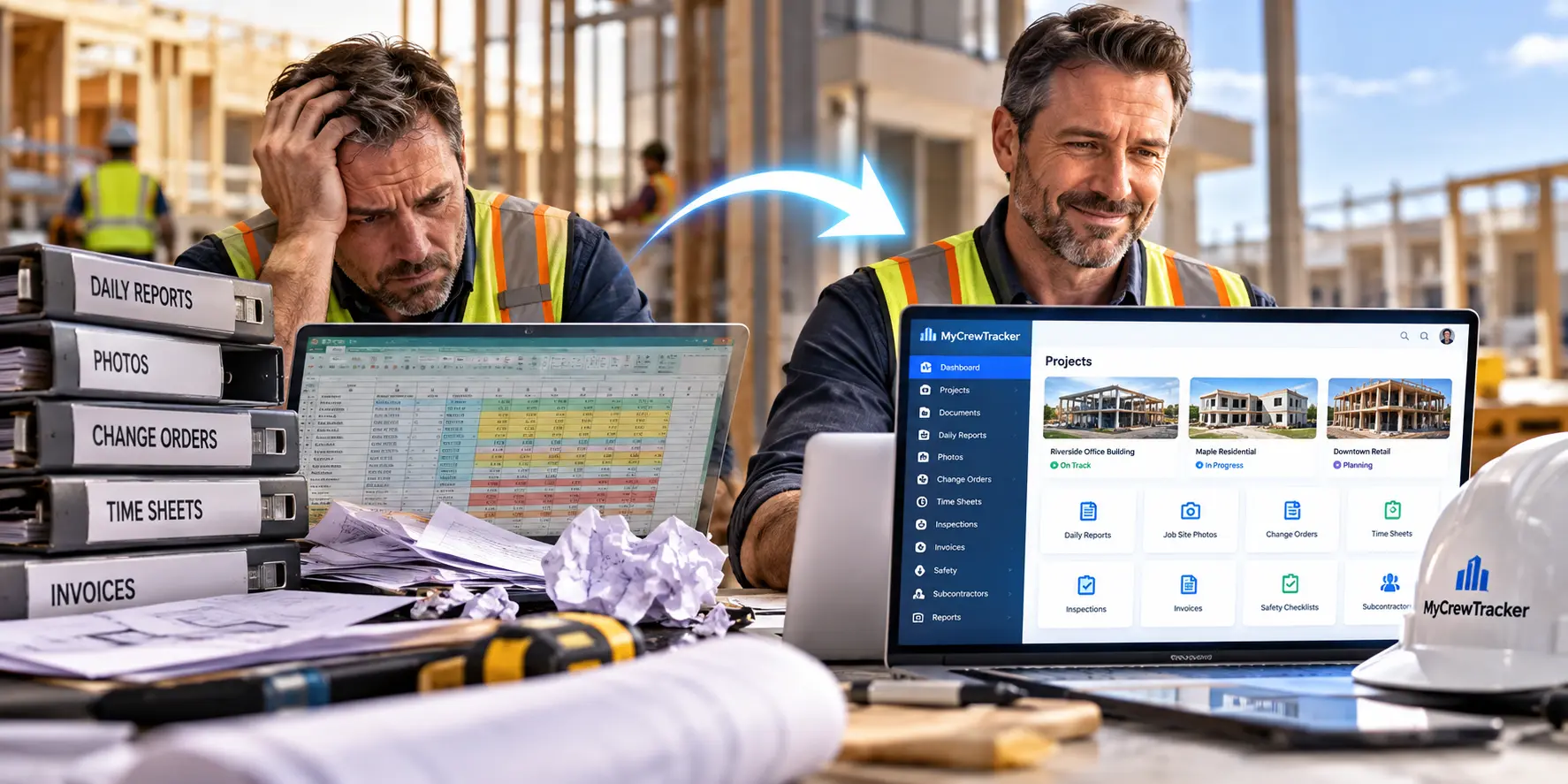
If you're running a small construction crew and still tracking job costs, documents, and daily logs in Excel or Google Sheets, you're not alone. But you're also likely losing money every single week without realizing it.
The construction industry has changed dramatically. Materials costs are climbing. Margins are thinner than they've been in years. And yet, thousands of small contractors across the U.S. are still managing million-dollar projects with the same tool they use for their grocery lists.
Here's the uncomfortable truth: spreadsheets weren't built for construction. They were built for calculations. And when you use them to run your entire operation, the cracks eventually turn into craters.
The Spreadsheet Trap: How It Happens
Every contractor's spreadsheet story starts the same way. You're small. You need to track costs. Excel is free, familiar, and flexible. It works.
Need to track job costs? Make a spreadsheet. Employee hours? Another spreadsheet. Material deliveries? A third one. Safety documents? A folder somewhere on your desktop.
This approach feels efficient—until it isn't.
The problem isn't that spreadsheets are bad tools. The problem is that they become the system of record rather than a supporting reference. That's when control breaks down. Costs get scattered. Visibility disappears. And the business starts making decisions with incomplete information.
The Real Cost of "Free" Spreadsheets
Let's talk numbers, because this is where it gets uncomfortable.
The average contractor spends 8 to 12 hours every week on administrative tasks that don't generate revenue—chasing down job details scattered across texts and email, manually entering data, reconciling numbers across disconnected files. That's over 400 hours per year that never shows up on a balance sheet but absolutely impacts your bottom line.
For a contractor paying a project manager $75,000 annually, that translates to $26,000 to $34,000 per year spent on paperwork instead of project management.
Now multiply that across your team.
One small restoration contractor with just four employees was spending 20+ hours weekly on admin. After moving to a proper system, that dropped to 6 hours—freeing up 14 hours for business development.
That's not a small improvement. That's a transformation.
Where Spreadsheets Quietly Destroy Your Profit
Fragmented Information Kills Visibility
When you're running multiple jobs, information lives everywhere: one spreadsheet for labor, another for materials, a third for change orders, a folder of photos, a stack of receipts.
To understand a single job's status, someone has to open five files, verify they're current, and hope the numbers match. They rarely do.
This fragmentation means you can't answer basic questions in real time: Where is this job versus budget? Which change orders are approved? How much labor have we actually spent?
When you can't answer those questions, you can't course-correct. And when you can't course-correct, you lose money.
The Month-End Surprise Nobody Wants
Here's how projects actually lose money: not in one catastrophic mistake, but in a hundred small misses that only become visible when it's too late.
Labor runs hot in weeks three through six. Nobody flags it because hours were tracked on paper and the budget lived in a spreadsheet updated once a month. A change order was completed but never submitted. Materials were purchased against the wrong cost code.
By the time these show up in your monthly reconciliation—four, six, eight weeks after they happened—the margin is gone. Crews have moved on. The GC isn't going to approve a retroactive change order for work that was never documented in real time.
You're managing risk with a rearview mirror.
Manual Entry Creates Costly Errors
Construction involves thousands of details. Labor hours. Material usage. Equipment time. Change orders. Safety documentation.
When all of that flows through manual entry, mistakes are inevitable. A single typo in labor hours affects job costing. A missed entry throws off payroll. A delayed update makes a losing project look profitable.
And these errors often go unnoticed until the damage is done.
Research shows 35-45% of construction professionals' time goes to administrative tasks rather than billable work. Within that, document management alone consumes 5-8 hours weekly, and data entry between systems adds another 5-8 hours.
That's not inefficiency. That's systematic margin leakage.
Why Spreadsheets Fail as You Grow
Spreadsheets work fine for very small operations. Two guys, one truck, one job at a time? You can make it work.
But growth exposes every flaw.
When you're managing more employees, more projects, more subcontractors, and more safety requirements, spreadsheets multiply. Files get duplicated. Different versions appear. Data stops matching.
At that point, instead of helping the business run smoothly, spreadsheets create confusion.
The construction industry has historically been slow to adopt technology. But that's changing rapidly, and for good reason. Contractors are realizing that the tools that helped them start are the same tools holding them back from scaling.
What the Data Says About Manual Processes
The numbers tell a stark story:
Administrative overhead: Construction professionals spend 35-45% of their time on admin. For a $75K project manager, that's $26K-34K annually on paperwork, not project management.
Time drains: Document management (5-8 hrs/week), communication logging (4-6 hrs/week), data entry between systems (5-8 hrs/week), reporting (3-5 hrs/week). Total: 23-37 hours weekly per person.
Superintendent paperwork: 5-7 hours per week spent on after-hours report writing. At $60/hour burdened, that's roughly $7,800 per superintendent per year—before factoring in error reduction or dispute protection.
Small contractor impact: For a small contractor with three superintendents, manual reporting costs $39,000 annually in pure labor. A digital tool at $50/user/month costs roughly $1,800—about 4.6% of the manual process.
The ROI threshold is almost embarrassingly low. A digital tool only needs to recover about 30 minutes per superintendent per week to break even.
What to Use Instead: Construction Documentation Software
The shift toward better systems is already happening across the industry. Contractors are moving away from spreadsheets and toward platforms designed specifically for how construction businesses actually operate.
Construction document management software falls into a few categories, and the right choice depends on your specific needs:
PM-Integrated Document Management: Platforms like Procore, Buildertrend, and Autodesk Build include document management as core functionality. Drawings, RFIs, submittals, photos, and daily reports live in the same platform that handles operational workflow. The advantage is unified data—everything cross-references automatically.
Standalone Document Management: Specialized platforms focused specifically on document control. These integrate with project management platforms rather than replacing them. This is often the right choice when document depth matters more than platform breadth.
Field-First Platforms: Tools built for mobile and day-to-day jobsite work. They centralize plan viewing with automatic version control, task management tied to drawing locations, punch lists, and full mobile offline functionality.
For small contractors, the key is finding something that fits your actual workflow—not an enterprise system that requires a dedicated admin to configure.
What to Look For in a Replacement
When evaluating construction documentation software, focus on these capabilities:
Mobile-first design: Your crews work in the field, not at a desk. The tool needs to work on phones and tablets, with offline capability for areas without reliable connectivity.
Automatic version control: Everyone should work from the current drawing set. No more confusion about which revision is latest.
Real-time field-to-office data flow: When crews document an inspection finding, a near miss, or a change event on their phone, that information should be immediately available to the office. No more waiting for paperwork to come back from the jobsite.
Photo and document organization at scale: Construction generates massive amounts of visual documentation. The system needs to organize it automatically, not require manual filing.
Integration with your accounting: QuickBooks compatibility is essential for small contractors. Manual re-entry between project management and accounting systems is one of the biggest time drains.
Affordable pricing: Many platforms now offer free tiers or entry-level pricing under $50/month. Fieldwire's Basic tier is free for up to five users and three projects, with paid plans starting at $39/user/month.
The Bottom Line
Spreadsheets helped you get your business off the ground. But they were never meant to handle the complexity of a growing construction company.
Every week you delay, you're losing hours, leaking margin, and flying blind on job profitability. The contractors who adapt their systems early gain a major advantage in efficiency, organization, and visibility.
You don't need to overhaul everything overnight. But you do need to recognize when your current tools have become a liability rather than an asset.
If you're managing projects worth $5M or more with the same tool you use for your grocery list, you're not playing it safe. You're capping your growth.
The construction market is competitive. Margins are tight. Costs are rising. The contractors who survive and thrive in 2026 will be the ones who can see what's actually happening on their jobs—in real time, not at month-end.
Your spreadsheets won't get you there. Construction documentation software will.
Ready to stop losing money to spreadsheet chaos? Explore how modern construction documentation platforms can give you real-time visibility, automatic organization, and hours back in your week.
